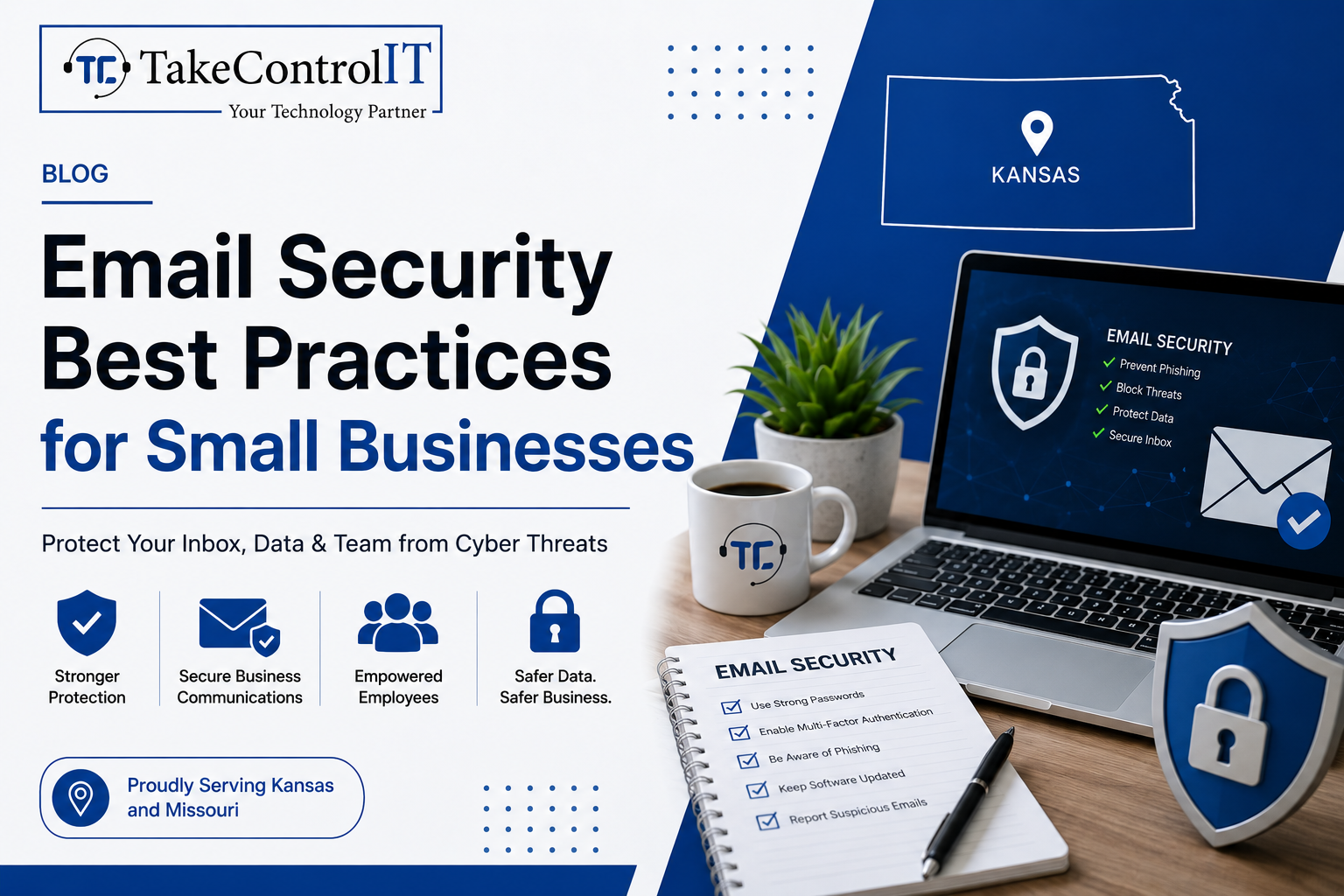

Email remains the number one attack vector for cybercriminals targeting organizations of all sizes. For small businesses, the threat is especially serious. Improving email security for small businesses is no longer optional; it’s a core part of staying operational and protecting your customers.
According to the FBI’s 2023 Internet Crime Report, Business Email Compromise (BEC) caused over $2.9 billion in reported losses in the U.S. alone. Small businesses are frequently targeted because they often lack the layered defenses that larger enterprises have in place.
This guide covers the essential practices every small business should follow to protect its inbox, its team, and its data.
Small businesses are not too small to be targeted. In fact, they are often seen as easier marks. Many operate without dedicated IT staff, rely on basic email tools, and lack formal cybersecurity for small businesses policies.
Common email-based threats include:
Understanding the threat landscape is the first step toward building a stronger defense.
Multi-factor authentication (MFA) adds a second layer of verification beyond just a password. Even if a credential is compromised, MFA blocks unauthorized access.
This is one of the most impactful steps in business email security and should be enforced across every account in your organization, not just executive-level ones.
Robust email phishing protection tools scan incoming messages for suspicious links, spoofed domains, and malicious attachments before they ever reach your inbox.
Solutions like Microsoft Defender for Office 365 and similar enterprise-grade filters are now accessible to smaller organizations. These tools significantly reduce the volume of dangerous emails that reach your employees.
These three DNS-based protocols work together to verify your email’s legitimacy and stop criminals from spoofing your domain.
Configuring all three is a critical step in phishing attack prevention and domain protection.
Technology alone isn’t enough. Human error remains a leading cause of successful cyberattacks. Regular training helps your staff recognize suspicious emails, spoofed sender addresses, and urgent requests designed to bypass critical thinking.
Simulated phishing campaigns are an effective way to test awareness and reinforce good habits without real risk. Making security training part of your culture, not just an annual checkbox, dramatically improves your email security for small businesses.
Email encryption ensures that messages containing sensitive data, financial details, client information, contracts, can only be read by the intended recipient.
Many businesses operating in regulated industries like healthcare or finance are required to use encryption. But even outside compliance requirements, it’s a strong practice for any business that values client trust.
A written policy sets clear expectations for your team. It should cover password requirements, rules around sharing credentials, acceptable use of company email, and the process for reporting suspicious messages.
A documented policy also helps with compliance and gives your team a clear point of reference when something doesn’t feel right.
Implementing these practices takes more than good intentions; it takes consistent monitoring, proper configuration, and expert oversight. That’s where managed cybersecurity services make a real difference.
A managed security partner handles the technical setup, monitors threats in real time, keeps your filters and protocols updated, and responds when something goes wrong. This gives small businesses access to enterprise-level protection without the need to hire a full in-house security team.
TakeControl IT provides comprehensive cybersecurity for small businesses across Kansas and Missouri, including email security, endpoint protection, and proactive threat monitoring. Their team ensures your defenses are always up to date and working as intended.
Your inbox is one of the most vulnerable entry points in your business. Taking a proactive approach to business email security today can prevent costly breaches tomorrow.
TakeControl IT offers tailored managed cybersecurity services designed to protect small businesses from phishing attacks, email compromise and evolving cyber threats. Based in Shawnee, Kansas, they work with businesses across Kansas and Missouri to build secure, resilient IT environments.
Call +1 913-238-2202 or visit www.takecontrolit.com to schedule a free consultation and take control of your email security.
Email threats are constant, targeted, and increasingly sophisticated. But the right practices; MFA, filtering, DNS authentication, employee training, and encryption; can dramatically reduce your risk.
Solid email security for small businesses isn’t a one-time fix. It’s an ongoing commitment to protecting your team, your clients, and your reputation. The businesses that build strong foundations now will be far better positioned to handle the threats of tomorrow.
Don’t wait for a breach to take action. Start with one practice today and build from there.
Phishing, spear phishing, Business Email Compromise, and malware-laden attachments are the most frequent threats. These attacks exploit human error and weak security settings to gain unauthorized access.
Effective phishing attack prevention includes enabling MFA, deploying email filters, configuring SPF/DKIM/DMARC records, and conducting regular employee security awareness training.
Business email security involves layered defenses including filtering, encryption, authentication protocols, and policy enforcement, going well beyond a standard spam filter or basic password protection.
Warning signs include unexpected password reset notices, emails sent without your knowledge, unfamiliar login locations, and contacts receiving messages you never sent.
Managed cybersecurity services provide continuous monitoring, expert configuration, threat response, and regular updates, ensuring your email security defenses stay effective against evolving attack methods.
Email encryption protects sensitive data in transit, prevents unauthorized interception, and helps businesses meet compliance requirements in regulated industries like healthcare and finance.
Running an independent insurance agency means juggling a lot: policy renewals, client calls, carrier paperwork, and somewhere in the middle of all that, a filing...



 Latest Blogs

What exactly is Fixed-Cost IT Support? Fixed-cost IT support is a type of IT assistance in which companies pay a...
Get Started

Computers and Networks That Are Too Slow Slow computers and networks are one of the most prevalent recurrent IT issues...
Get Started
Signs of an Issue: Slow Performance: Noticeably sluggish computer or network operations may indicate malicious activity taxing your system’s resources...
Get Started