
Data loss can happen without warning. Hardware failure, ransomware attacks, accidental deletion, or natural disasters can disrupt operations and put valuable business information at risk. Investing in a reliable Cloud backup service helps organizations protect critical files and recover quickly when problems occur.
Many businesses still rely on local backups, while others prefer modern cloud backup solutions and online backup services for greater flexibility. Understanding the strengths and limitations of both options can help you choose the best strategy for your organization.
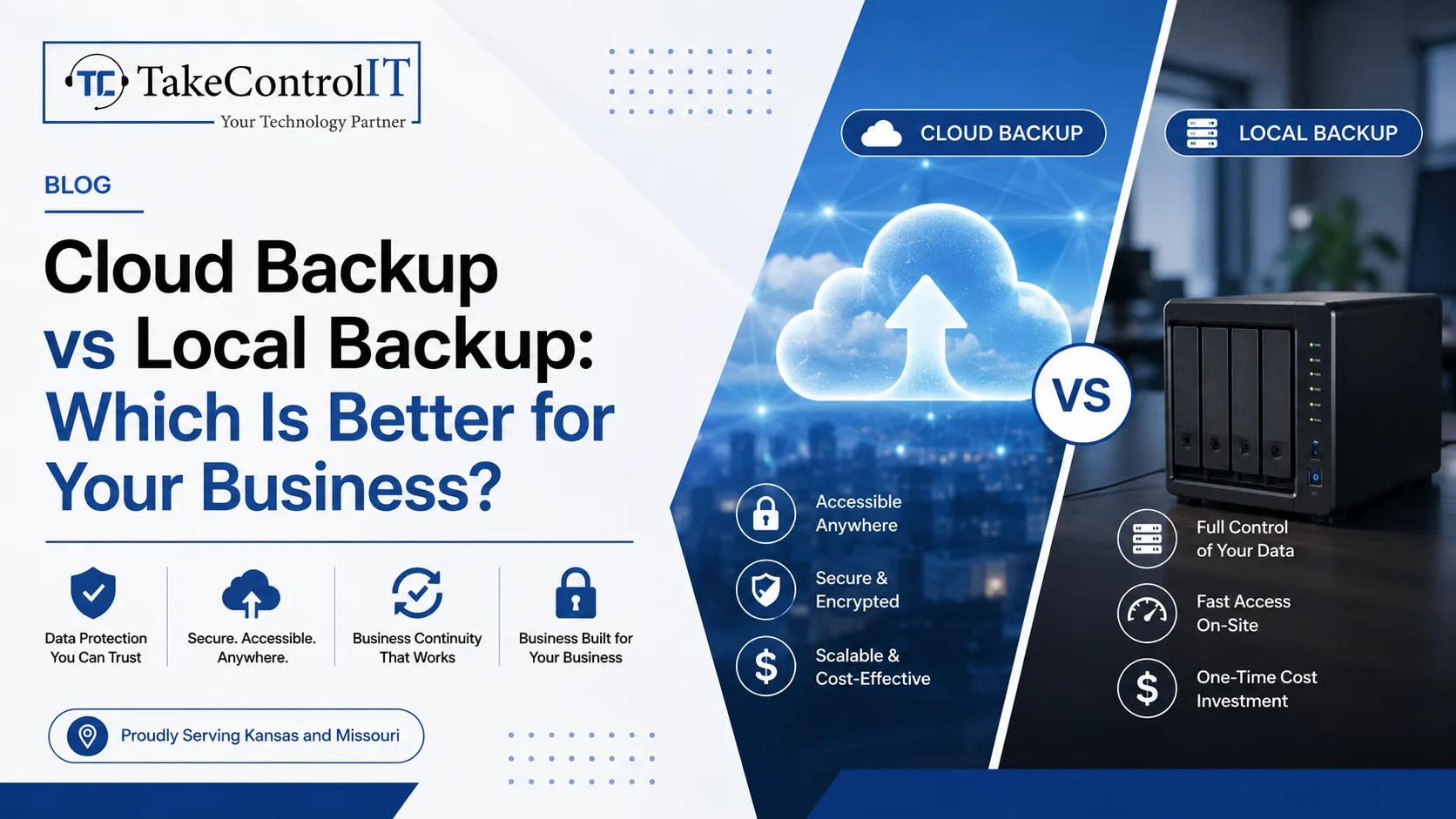
A professional Cloud backup service stores business data securely in remote data centers instead of local hardware. Files are automatically synchronized and can be restored whenever needed through a secure internet connection.
Key advantages include:
A dependable Cloud backup service reduces the risk of losing important information due to local hardware failures or physical damage.
Modern cloud backup solutions are designed to support growing businesses with flexible and secure data protection. Unlike traditional systems, cloud platforms allow organizations to expand storage without purchasing additional physical equipment.
Businesses benefit from cloud backup solutions because they provide:
These features help companies maintain productivity while minimizing downtime after unexpected incidents.
Local backup systems save data on physical devices such as external hard drives, network-attached storage, or dedicated backup servers located on-site.
Local backups provide several benefits:
However, local backups remain vulnerable to theft, fire, floods, equipment failure, and ransomware attacks if stored in the same location as production systems.
For many organizations, relying only on local backups creates unnecessary business risk.
Today’s workforce often operates from multiple offices or remote locations. Reliable online backup services make it easier for employees to access protected data securely from virtually anywhere.
Leading online backup services typically include:
These capabilities support modern hybrid workplaces while improving operational resilience.
One of the biggest advantages of using a Cloud backup service is disaster recovery readiness. If servers fail or offices become inaccessible, cloud-based backups remain protected in secure remote environments.
A quality Cloud backup service helps businesses:
Combining cloud storage with local backups often creates a stronger overall protection strategy.
Instead of choosing one method exclusively, many IT professionals recommend using both cloud backup solutions and local backup systems.
A hybrid backup strategy provides:
Technology providers like Take Control IT help Kansas businesses implement secure backup and disaster recovery strategies that combine managed IT expertise with advanced cloud backup solutions for comprehensive business protection.
Business interruptions can happen at any time. A reliable backup strategy keeps operations running and reduces the impact of unexpected events. Whether your company needs a secure Cloud backup service, disaster recovery planning, or managed IT support, Take Control IT helps businesses create dependable technology solutions that protect valuable information and improve long-term resilience.
Choosing between a local backup and a Cloud backup service depends on your business goals, recovery requirements, and risk tolerance. Local backups provide speed, while cloud technology delivers flexibility, scalability, and disaster protection. For many organizations, combining cloud backup solutions with local storage creates the most effective backup strategy. Investing in reliable online backup services today helps safeguard your business against tomorrow’s unexpected challenges.
A Cloud backup service securely stores business data in remote data centers, allowing organizations to recover files quickly after hardware failures, cyberattacks, or accidental deletion.
Cloud backup solutions provide off-site protection and scalability, while local backups offer faster recovery. Many businesses achieve better protection by combining both methods.
Professional online backup services use encryption, secure authentication, and redundant storage systems to help protect business data against unauthorized access and loss.
A Cloud backup service should run automatically throughout the day or daily, depending on how frequently business data changes and recovery objectives.
Yes. Many cloud backup solutions store multiple file versions, allowing businesses to restore clean copies after ransomware attacks or accidental data corruption.
Businesses use online backup services to improve disaster recovery, support remote work, protect valuable information, and maintain business continuity during unexpected events.

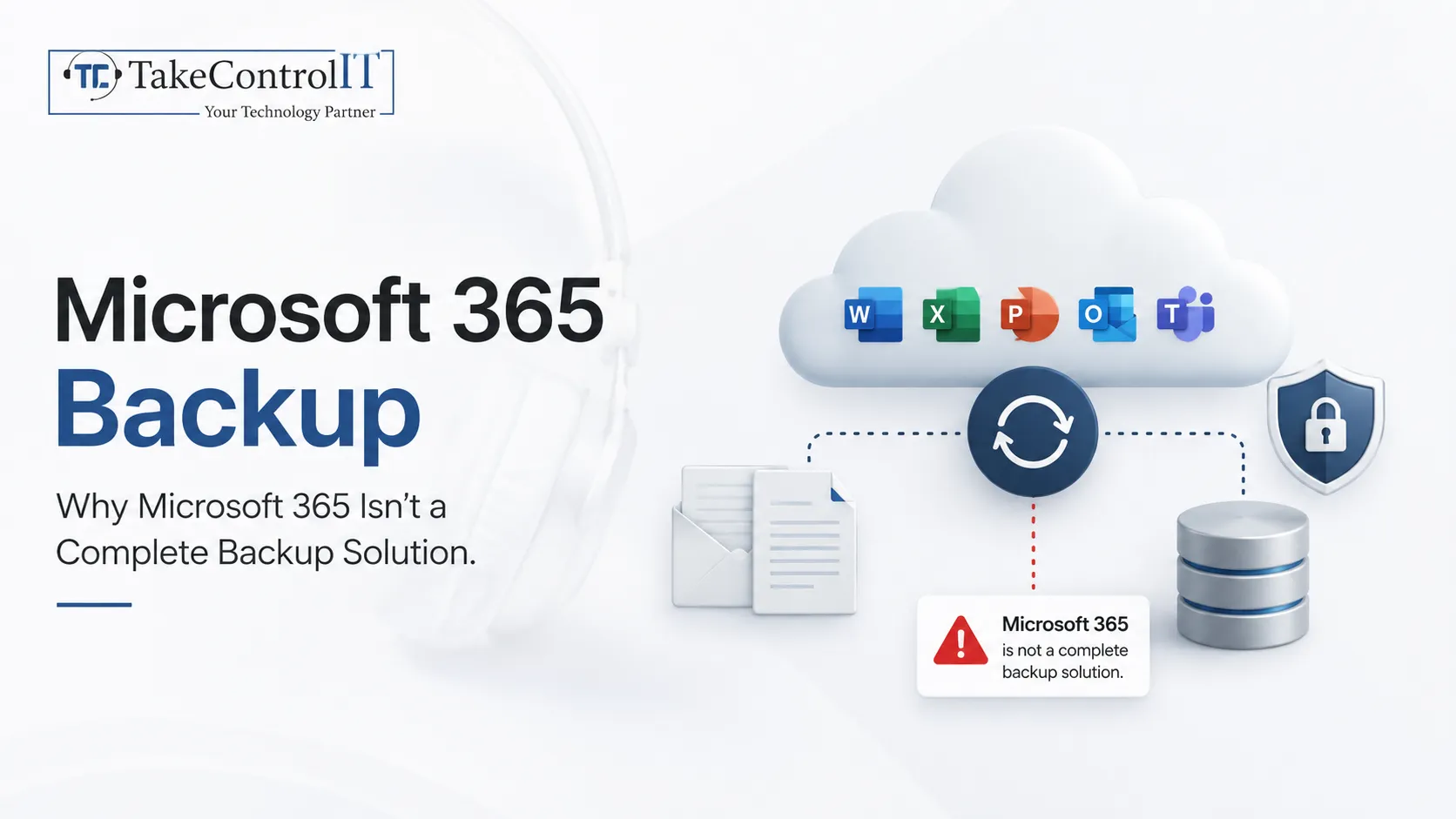
Modern workplaces rely heavily on cloud productivity suites to keep operations running smoothly. Across Kansas, organizations use Microsoft 365 to collaborate across departments, manage customer...

 Latest Blogs

What exactly is Fixed-Cost IT Support? Fixed-cost IT support is a type of IT assistance in which companies pay a...
Get Started

Computers and Networks That Are Too Slow Slow computers and networks are one of the most prevalent recurrent IT issues...
Get Started

Signs of an Issue: Slow Performance: Noticeably sluggish computer or network operations may indicate malicious activity taxing your system’s resources...
Get Started