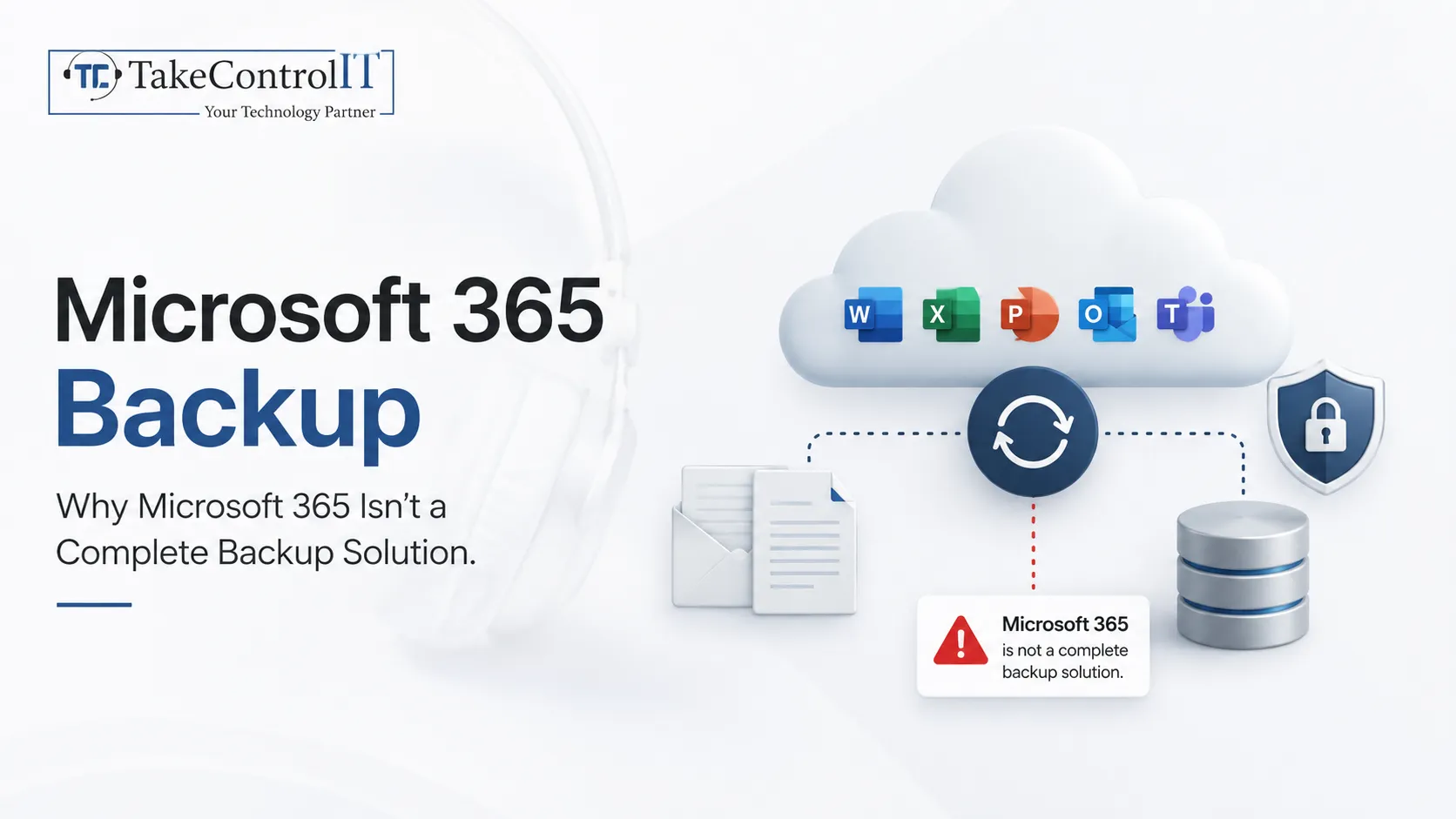

Most business owners assume Microsoft 365 backup happens automatically the moment they move to the cloud. That assumption is one of the most costly mistakes small businesses make. Microsoft keeps its platform running, but it does not promise to restore emails, files, or Teams chats once they are deleted, corrupted, or hit by ransomware. Take Control IT works with Kansas businesses that discover this gap only after data is already gone, and understanding Microsoft 365 backup now can prevent that outcome later.
Microsoft’s shared responsibility model splits duties clearly. Microsoft handles the physical data centers, network uptime, and platform availability. Everything related to your actual data, including day-to-day protection and recovery, falls on the business.
Here is what that split looks like in practice:
This distinction matters because many owners confuse replication with backup. Replication keeps a copy running across data centers so the service stays online, but it does not protect against a deleted file, a corrupted mailbox, or a ransomware attack.
Recycle bins, version history, and retention policies feel like enough protection on the surface, but they come with limits that a true backup solution is built to avoid.
Microsoft’s own service agreement recommends using third-party tools to protect content stored across its platform, which tells business owners most of what they need to know about Microsoft 365 backup.
Small businesses lose Microsoft 365 data more often than most owners expect. A few scenarios show up again and again:
Not every approach fits every business, but reliable backup services should include a few core capabilities regardless of company size.
Microsoft has also introduced its own native add-on for select workloads. It offers useful protection, though it currently covers a limited scope and comes as a paid, per-gigabyte service. Pairing this with dedicated Microsoft 365 data backup through a managed provider closes the remaining gaps.
Kansas businesses face the same risks as companies anywhere else, often with fewer internal IT resources to handle them. A dependable approach to data backup and disaster recovery services in Kansas gives local businesses a real safety net instead of a false sense of security.
Take Control IT builds Microsoft 365 backup plans around how each business actually operates, rather than a generic template. Dependable Data backup and disaster recovery services in Kansas should include ongoing monitoring, tested restores and coverage across every workload your team relies on daily.
Business owners do not need a large IT department to close common gaps. A few consistent habits make a real difference:
Data loss rarely announces itself in advance, and recovering without a proper backup plan can cost far more time and stress than preventing the problem. Take Control IT helps Kansas businesses close Microsoft 365 backup gaps with practical, tested protection built around daily operations.
Reach out today to review what your current setup actually covers.
Microsoft 365 backup is not something the platform handles for you automatically. Microsoft keeps the lights on, but protecting and recovering your own data is a responsibility every business shares. Recycle bins and retention policies offer short-term help, not lasting protection. Businesses that pair awareness with a tested backup plan put themselves in a far stronger position, and Take Control IT remains ready to help.
No. Microsoft 365 includes short-term recycle bins and retention policies, but a true Microsoft 365 backup requires a separate, restorable copy of your data.
Retention windows vary by workload, often between 14 and 93 days. After that window closes, native tools generally cannot recover the deleted content.
Replication keeps the platform running by copying data across servers. A dedicated backup solution creates an independent, restorable copy stored apart from the original tenant.
Yes. Ransomware can encrypt synced OneDrive and SharePoint files, and it may also affect native retention, which is why independent data backup matters.
Yes. Small businesses face the same deletion, corruption, and ransomware risks as larger companies, often with fewer resources to recover without backup services.
Yes. Microsoft’s own service agreement recommends third-party tools for Microsoft 365 backup, since native retention is not designed to replace a full backup.

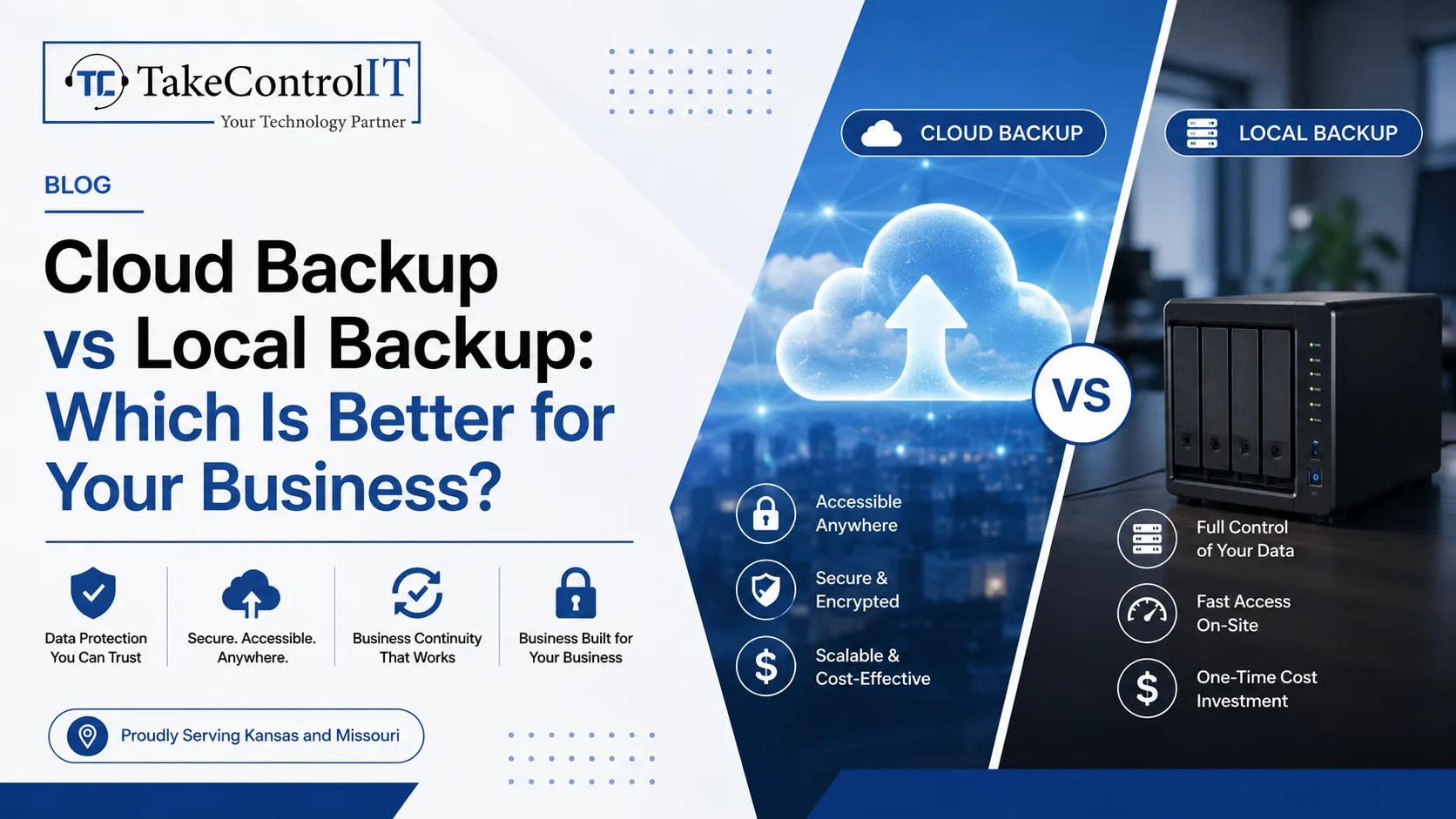
In today’s digital-first world, data is one of the most valuable assets any business or individual can have. From sensitive client information to years of...
 Latest Blogs
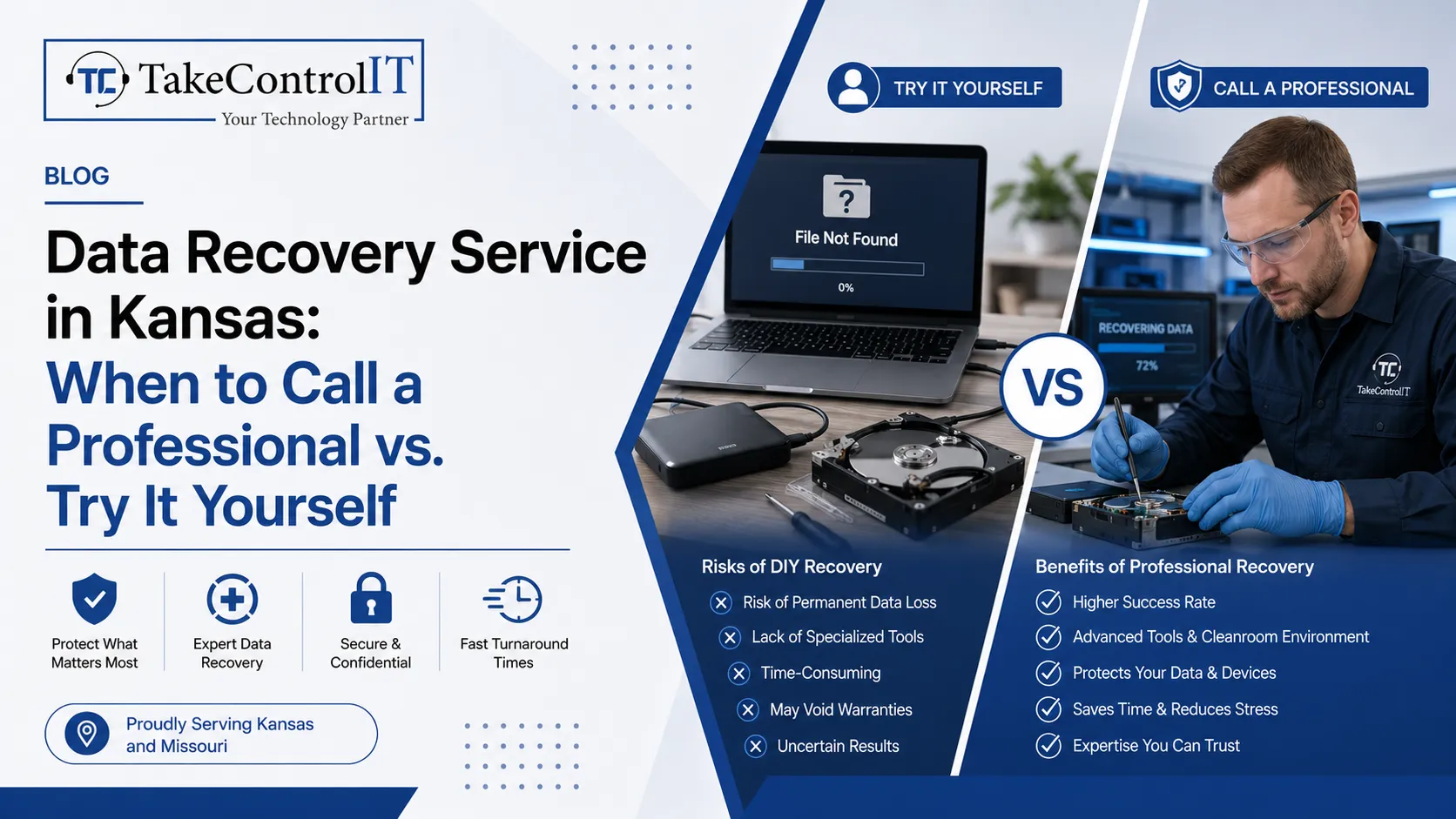
Business data loss can happen without warning. A hard drive may fail suddenly. Files may get deleted accidentally. Malware and...
Get Started
Most business owners assume Microsoft 365 backup happens automatically the moment they move to the cloud. That assumption is one...
Get Started

Cyberattacks no longer look the way they used to. AI-powered cyberattacks now write flawless emails, clone voices, and scan networks...
Get Started