

Modern workplaces rely heavily on cloud productivity suites to keep operations running smoothly. Across Kansas, organizations use Microsoft 365 to collaborate across departments, manage customer files, and handle daily email communications. However, rapid cloud adoption often brings unintended operational complexity. Many businesses accumulate third-party add-ons, standalone security apps, and overlapping software subscriptions. This unchecked accumulation leads directly to Microsoft 365 tool sprawl, creating administrative blind spots and expanding corporate attack surfaces.
When teams purchase disconnected point solutions to solve single problems, security configurations quickly become fragmented. Tackling Microsoft 365 tool sprawl is essential for maintaining visibility, closing vulnerability gaps, and ensuring reliable data governance across all business workflows.
Cloud software makes adding new digital utilities simple. When an internal team experiences a specific hurdle, department leaders often purchase standalone software without consulting central IT administrators. Over several quarters, a mid-sized company can accumulate separate utilities for anti-spam filtering, identity verification, multi-factor authentication, endpoint scanning, and encrypted file sharing.
This accumulation defines Microsoft 365 tool sprawl. Rather than strengthening digital infrastructure, maintaining disconnected applications forces system administrators to jump between isolated dashboards. Administrative teams struggle to keep track of user access privileges, active software licenses, and automated alerts.
Resolving Microsoft 365 tool sprawl requires understanding how these disparate tools interact with your primary Microsoft cloud tenant. When companies fail to unify their environment, they leave gaps that malicious actors actively search for.
Purchasing extra security software often feels like a safe, proactive choice. However, stacking standalone applications on top of cloud infrastructure frequently produces the opposite outcome.
Managing multiple disconnected vendor dashboards dilutes administrative focus. IT technicians face alert fatigue when several portals trigger competing notifications for the same baseline event. Crucial threat alerts get buried under duplicate warnings, slowing down incident response times.
Furthermore, redundant software applications introduce integration conflicts. If an external email filter modifies inbound message headers before delivery, internal Microsoft Defender rules may misinterpret the email authentication data. That confusion allows phishing attempts to slip past internal safeguards. Streamlining Microsoft 365 security management eliminates overlapping tools, ensuring your defenses work together rather than against one another.
Comparing a fragmented software environment with an integrated cloud framework shows why regional enterprises are consolidating their digital utilities:
| Operational Metric | Fragmented Third Party Stack | Integrated Microsoft 365 Environment |
| Administrative Visibility | Disconnected dashboards with partial visibility | Centralized administrative portal and unified telemetry |
| Alert Management | High alert fatigue with duplicate warnings | Automated event correlation with prioritized alerts |
| Configuration Auditing | Inconsistent policies spread across multiple vendors | Standardized policy enforcement across all endpoints |
| Policy Deployment | Manual adjustments required per application | Instant, tenant-wide policy application |
| Identity Governance | Multiple sign-in credentials and access portals | Single Sign-On (SSO) with conditional access checks |
Microsoft 365 includes built-in protective controls that make many third-party utilities unnecessary. Taking advantage of these integrated tools simplifies system administration while providing comprehensive protection across identities, endpoints, and communications.
Deploying native Microsoft 365 security solutions allows administrators to protect organizational assets directly from the Microsoft Defender portal. Capabilities such as Defender for Office 365, Defender for Endpoint, and Microsoft Entra ID work natively together, sharing threat intelligence across your entire network.
Consolidating your security stack into these integrated tools eliminates the technical headaches associated with Microsoft 365 tool sprawl. Your security personnel gain instant visibility into user sign-in risks, suspicious device activity, and unauthorized file sharing from a single management console.
Transitioning away from a bloated technology stack requires an organized consolidation plan. Businesses should begin by auditing every active software license, third-party connector, and API integration linked to their cloud directory.
Following these structured Microsoft 365 security best practices allows organizations to remove unneeded software safely. System administrators can focus on maintaining secure configurations instead of constantly troubleshooting vendor integrations.
Cybercriminals target decentralized cloud environments because configuration errors are common. When administrators must manage multiple vendor portals, misconfigurations inevitably occur. Overcoming Microsoft 365 tool sprawl helps teams eliminate these dangerous configuration gaps.
Deploying unified Microsoft 365 threat protection gives companies real-time defense against phishing campaigns, business email compromise, and zero-day malware. Built-in automated investigation and remediation capabilities can isolate compromised endpoints and neutralize malicious inbox rules before human engineers finish reading an incident ticket.
Consolidated platforms evaluate behavioral signals across your entire digital environment simultaneously. When your threat defense architecture operates as an integrated ecosystem, malicious actors cannot exploit the cracks left between disparate software vendors.
Managing complex enterprise IT involves balancing productivity with rigorous security compliance. For businesses across Kansas, maintaining seamless communication across distributed teams requires simple, standardized software platforms.
Centralized Microsoft 365 security management simplifies staff onboarding and offboarding. When an employee leaves the company, revoking access in Entra ID instantly terminates access to email, cloud storage, and internal applications. Conversely, companies burdened with tool sprawl must manually revoke access across several external dashboards, leaving lingering vulnerabilities.
Regular administrative audits also ensure that critical updates apply across your organization without delays. Installing every recommended [suspicious link removed] shields your network against emerging cloud attack vectors. Simplifying your technology stack ensures these vital updates install consistently across every team device.
Eliminating excess software tools allows organizations to focus resources on true operational resilience. While Microsoft provides high service availability, protecting underlying data records from accidental deletion, insider threats, and ransomware requires an independent recovery strategy.
Implementing a dedicated [suspicious link removed] ensures your critical emails, SharePoint libraries, and Teams conversations remain recoverable during an unexpected operational disaster. Retaining secure, immutable copies of your cloud files guarantees business continuity regardless of external disruptions.
Addressing persistent Microsoft 365 tool sprawl while maintaining secure offsite backups creates an efficient, highly resilient cloud environment. Your staff works unhindered, while your systems remain secure and fully recoverable.
Eliminating tool clutter does not mean stripping away necessary protections; it means deploying your technology strategically. Organizations that streamline their digital tools reduce operational headaches, eliminate wasted license costs, and strengthen overall system defenses.
Partnering with an experienced managed services provider helps business leaders navigate cloud consolidation smoothly. Professional engineers assess your operational requirements, retire redundant software subscriptions, and configure native controls to match industry standards.
Taking control of your cloud setup transforms your technology into a reliable operational asset. Proactive management ensures your organization scales efficiently while staying protected against modern cyber threats.
Managing modern cloud infrastructure should empower your team, not burden them with software clutter and administrative headaches. Take Control IT provides comprehensive cloud audits, specialized security configurations, and dependable managed IT support designed to secure Kansas organizations.
Connect with Take Control IT today to evaluate your cloud licensing, eliminate redundant tools, and build a unified, secure foundation for your business operations.
Accumulating third-party add-ons and standalone apps might seem like a practical defense, but unchecked Microsoft 365 tool sprawl ultimately fragments administrative oversight, introduces dangerous security blind spots, and drains technical budgets. By transitioning toward consolidated, native Microsoft 365 security solutions and applying proven Microsoft 365 security best practices, Kansas organizations can replace chaotic alert fatigue with clear, unified control. Aligning centralized identity governance with reliable threat protection and dedicated offsite backups ensures your business operations stay lean, fully compliant, and resilient against modern cloud threats.
It occurs when departments adopt overlapping third-party security apps and software utilities instead of utilizing integrated, native Microsoft 365 capabilities.
Managing multiple disconnected applications creates visibility gaps, causes alert fatigue for administrators, and increases the likelihood of software misconfigurations that cybercriminals exploit.
Yes, higher-tier Microsoft licensing includes enterprise-grade endpoint defense, email filtering, identity governance, and data classification tools that effectively replace standalone products.
Consolidation centralizes administrative control, eliminates redundant software license expenses, accelerates threat detection, and simplifies day-to-day employee access management.
Organizations should conduct a complete software license audit, identify overlapping features, standardize on native tools, and apply structured configuration policies.
A dedicated IT partner configures complex cloud policies accurately, monitors tenant security around the clock, and ensures the environment aligns with industry compliance standards.

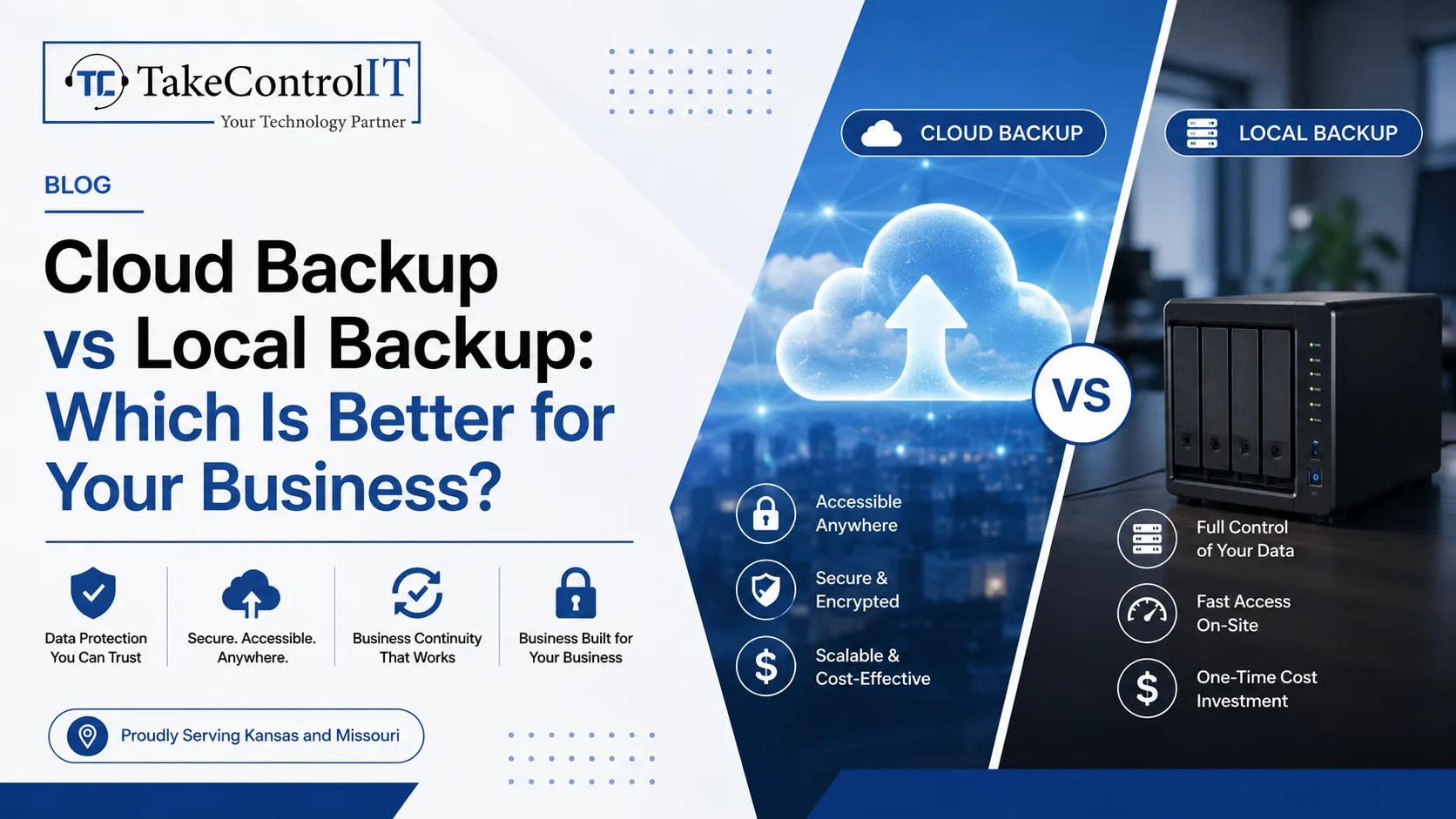
In today’s digital-first world, data is one of the most valuable assets any business or individual can have. From sensitive client information to years of...
 Latest Blogs
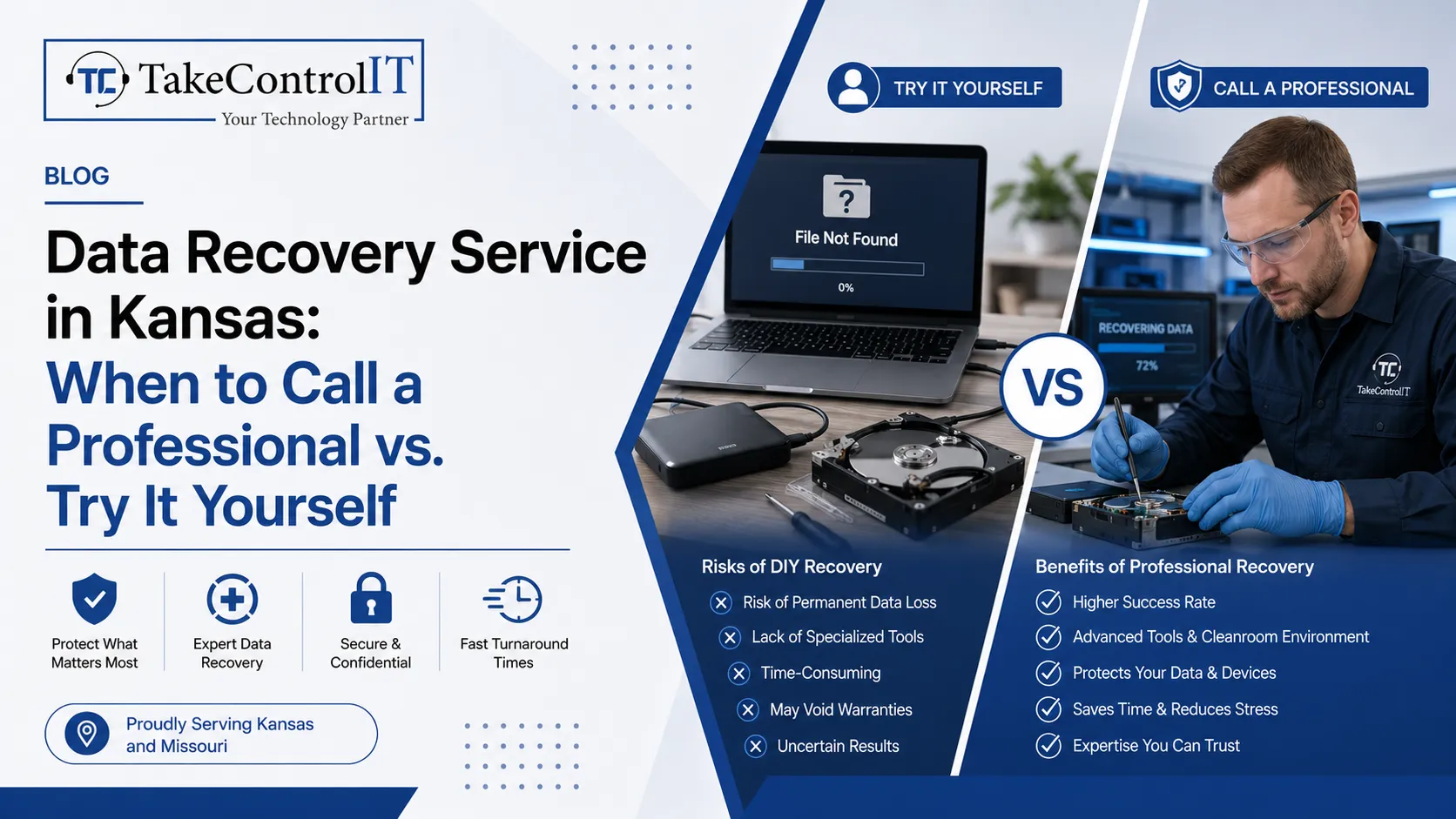
Business data loss can happen without warning. A hard drive may fail suddenly. Files may get deleted accidentally. Malware and...
Get Started
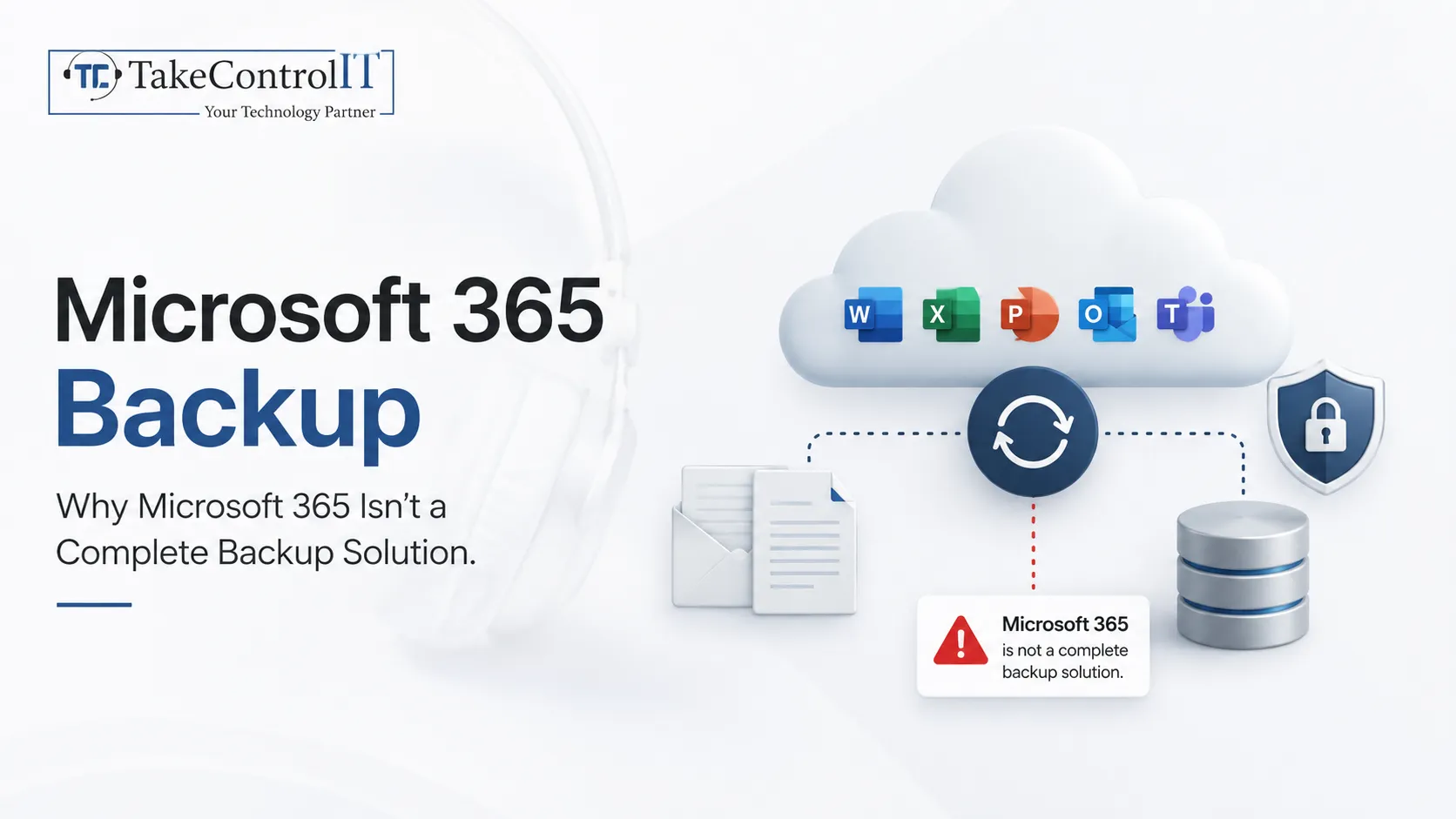
Most business owners assume Microsoft 365 backup happens automatically the moment they move to the cloud. That assumption is one...
Get Started

Cyberattacks no longer look the way they used to. AI-powered cyberattacks now write flawless emails, clone voices, and scan networks...
Get Started