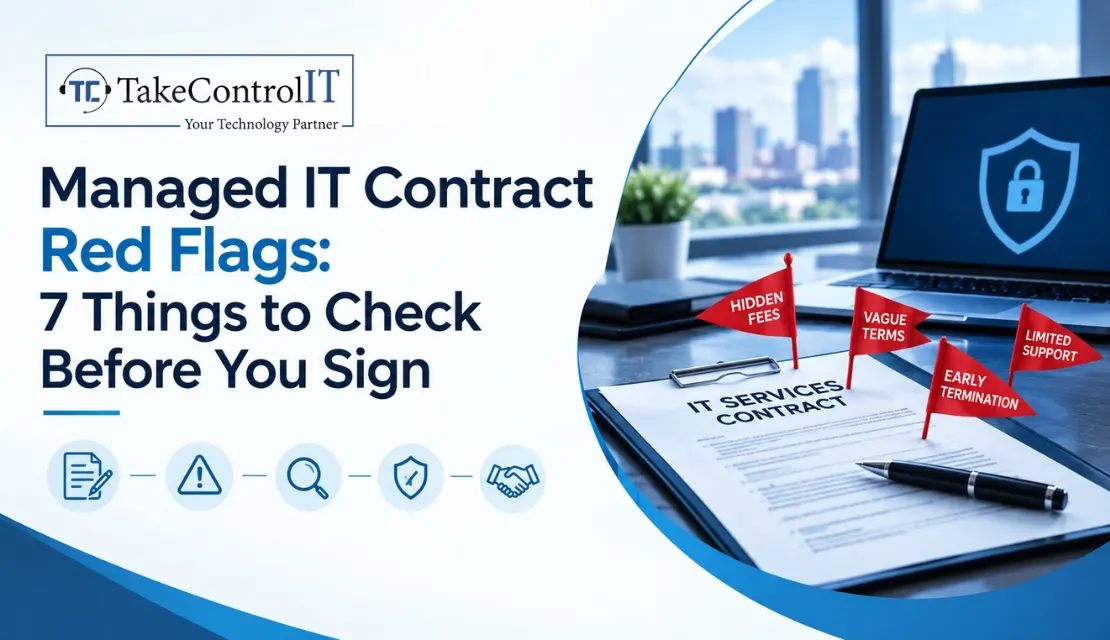

You’ve finally decided to hand off your IT headaches to a professional. The proposal looks great, the sales rep is friendly, and you’re ready to sign. But here’s the thing: most business owners never read past the pricing page. And that’s exactly where trouble hides.
A managed IT contract is usually a 12 to 36 month commitment. That’s a long time to be stuck with vague terms or one-sided clauses you didn’t notice on day one. Before you sign anything, here’s what to actually check.
Most disputes with IT providers don’t start with bad service. They start with something nobody clarified upfront, like what “support” actually covers or what happens if you want out. A contract that sounds simple in the sales meeting can read very differently once you’re six months in and something goes wrong.
That’s why spotting IT contract red flags early saves you a lot of frustration later.
If the agreement just says “IT support” without listing specific services, response times or what’s excluded, that’s a problem. Ask for a detailed breakdown of exactly what’s covered, and what isn’t.
A solid SLA spells out response and resolution times for different issue types. If there’s no SLA, or one with no real penalty when it’s missed, you have no way to hold anyone accountable.
Watch for contracts that auto-renew for a full additional year, especially with a narrow cancellation window, sometimes just 90 days before renewal. Miss that window and you’re locked in again.
Who owns your data, backups and network configurations if you switch providers? This should be spelled out clearly, not left to assumption.
Onboarding charges, after-hours rates, or per-ticket fees buried in an appendix can turn a reasonable monthly rate into something much bigger. Read every line item.
A fair contract explains how systems get handed back to you, or to a new provider, if the relationship ends. No plan means a messy, expensive transition later.
Some contracts protect the provider from nearly all liability, even for their own mistakes. That’s a serious managed IT contract red flag and worth pushing back on before you sign.
Use this quick managed IT contract checklist to review any proposal:
This same list doubles as a solid MSP contract checklist for anyone comparing multiple providers side by side.
Bring these directly to your sales call:
A provider who answers these clearly, without hedging, is usually one worth trusting.
Small and mid-sized businesses across Overland Park, Johnson County and the greater Kansas City metro often don’t have in-house legal teams reviewing vendor agreements. That makes a clear-eyed contract review even more important before signing anything long-term.
Working with a transparent IT company Overland Park businesses already trust makes this a lot easier. A provider that’s upfront about terms usually has nothing to hide in the fine print either.
Good contracts share a few things in common:
If a proposal checks these boxes, you’re in a much stronger position.
Signing a managed IT contract shouldn’t feel like a gamble. Most of the risk in these agreements isn’t in the pricing, it’s in what’s left unclear. Take the time to read the scope, the SLA and the exit terms before you commit. A few extra questions now can save you a messy, expensive situation two years down the road.
If something in a proposal feels vague or one-sided, trust that instinct. A good provider will welcome the questions, not avoid them.
Thinking About Signing an IT Contract? Get a Second Opinion First.
Before you commit to a new agreement, let us review it. TakeControl IT offers a free contract review to help you spot managed IT contract red flags before you sign, not after.
Call us or contact TakeControl IT today for a no-pressure review.
1. What should I look for in a managed IT services contract?
Look for a clearly defined scope of services, a real SLA with response times, transparent pricing with no hidden fees, clear data ownership terms, and a defined exit process. These are the core pieces of any solid managed IT contract.
2. What are common red flags in an MSP contract?
Vague service descriptions, no SLA or one without accountability, long auto-renewal terms with short cancellation windows, unclear data ownership, and liability clauses that only protect the provider are the most common IT contract red flags to watch for.
3. How long should a managed IT contract term be?
Many run 12 to 36 months. Shorter terms give you more flexibility, but longer terms sometimes come with better pricing. Either way, make sure the cancellation terms are reasonable before committing.
4. Can I negotiate a managed IT services agreement?
Yes. Most MSPs expect some negotiation, especially around contract length, SLA terms and fee structures. It’s worth asking before assuming the first draft is final.
5. What happens to my data if I cancel my IT contract?
This should be spelled out in writing. A fair provider will outline how your data, backups and configurations are returned or transferred if you decide to switch or cancel.

Kansas business leaders know that dependable technology powers daily productivity. From logistics hubs along the I-35 corridor to financial offices in Johnson County and manufacturing...












 Latest Blogs
What exactly is Fixed-Cost IT Support? Fixed-cost IT support is a type of IT assistance in which companies pay a...
Get Started
Computers and Networks That Are Too Slow Slow computers and networks are one of the most prevalent recurrent IT issues...
Get Started

Signs of an Issue: Slow Performance: Noticeably sluggish computer or network operations may indicate malicious activity taxing your system’s resources...
Get Started