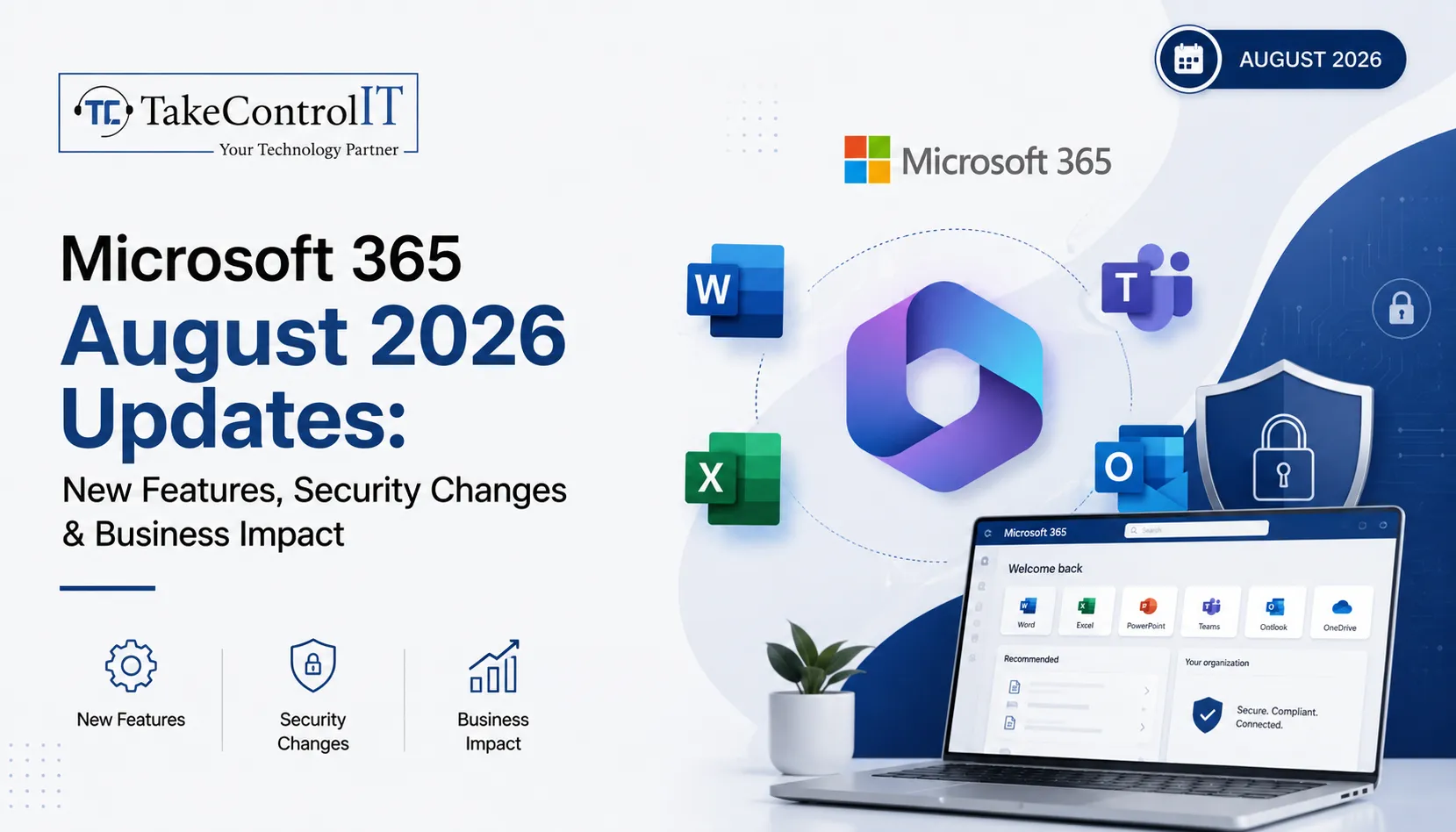

The Microsoft 365 August 2026 updates bring some of the most significant identity, security, and licensing changes Microsoft has shipped this year, and Kansas businesses running on the platform need to pay attention. From the retirement of SMS-based multi-factor authentication to Microsoft 365 new features like AI meeting tools and expanded license bundles, this month’s changes touch nearly every part of the platform your team relies on daily.
Understanding these Microsoft 365 updates and why they matter helps you avoid disruption, close security gaps, and get more value from the subscription you already pay for. Here is what changed and what to do next.
This round of Microsoft 365 August 2026 updates falls into three categories: identity and security, new productivity features, and licensing changes to what your organization already owns. Microsoft rolled many of these changes out gradually between June and July 2026, with tenant timelines appearing in the Message Center about 30 days before each change goes live.
Several Microsoft 365 new features arrived as part of the Microsoft 365 August 2026 updates, focused on productivity and collaboration for hybrid teams across Kansas offices and remote staff alike.
These Microsoft 365 new features start with Copilot Chat: Business, E3, E5, and Frontline plans all gain enhanced Copilot Chat with admin controls and usage analytics. Business plans also pick up 50 GB of extra mailbox storage, and Basic and Standard add URL time-of-click protection, which scans links in Outlook and Office apps the moment someone clicks rather than only when the message arrives.
Microsoft Facilitator, the AI meeting assistant in Teams, now detects when participants seem to lack context on a topic and surfaces relevant background information in real time, aiming for fewer follow-up emails, though suggestions are visible to everyone in the room.
Exchange Online users can now attempt to recall messages sent to external recipients, not just internal ones. Recall only succeeds if the receiving tenant has opted in, so legal and compliance teams should understand its limits.
Security is where these Microsoft 365 security updates carry the most immediate risk if ignored, especially for regulated industries common across Kansas, including healthcare, finance, and legal services.
Microsoft is making passkeys, meaning FIDO2 and device-bound credentials, the default sign-in method in Entra while retiring SMS and voice call MFA outright. This is one of the more consequential identity changes in recent memory because it touches every user in a tenant, and once enforced it cannot be reversed. Businesses still relying on text or voice codes need to migrate staff to Microsoft Authenticator, passkeys, or OATH tokens before enforcement.
Rolling out July through September 2026, admins gain more precise control over federated chats with external organizations. Review existing federation settings so partner collaboration continues while unsolicited external messaging gets closed off.
File Policies within Microsoft Defender for Cloud Apps are being retired, with Microsoft steering organizations toward Microsoft Purview for the same data loss prevention and compliance monitoring. Retirement lands January 6, 2027, giving teams time to map policies over, though the migration still takes planning and testing.
Beyond features and security, this round of Microsoft 365 August 2026 updates brings Microsoft 365 business updates that change what many organizations already own, without requiring a new purchase.
Rollout completes by August 1, 2026, with at least 30 days notice appearing in the Message Center before each tenant receives the change.
These Microsoft 365 business updates apply automatically, with no opt-in required.
A bundled feature only creates value once someone turns it on. Defender for Office 365 Plan 1 can replace a standalone email security tool once that tool’s contract ends. Security Copilot needs configuration and governance before it becomes genuinely useful.
Many Kansas businesses, including healthcare practices, law firms, and financial firms, operate under compliance rules that make identity and data-governance changes like these especially relevant. Losing SMS-based MFA without a migration plan can lock out staff overnight, and skipping a review of federated chat settings can quietly break partner communication.
Letting Defender for Cloud Apps policies lapse without a Purview migration can leave data loss prevention with gaps regulators would flag. None of this requires a large IT department, but it does require someone watching the Message Center and turning these Microsoft 365 updates into an action plan.
Keeping up with Microsoft 365 updates on top of daily operations is a lot to ask of any internal team, especially when Microsoft ships dozens of Message Center changes every month and only a handful make headlines. Take Control IT helps Kansas businesses track, prioritize, and act on the changes that matter, from MFA migrations to license enablement.
Our Managed IT services Kansas team also builds resilient data protection around your Microsoft 365 environment, including a dedicated Microsoft 365 Backup Solution that protects Exchange, SharePoint, and OneDrive data independent of Microsoft’s native retention settings, so recall changes, retiring file policies, or accidental deletion never put your business data at risk.
Do not let another Message Center update catch your team off guard. Take Control IT’s Kansas-based specialists monitor every rollout, apply Microsoft 365 updates correctly the first time, and make sure your backups are solid before anything changes. Schedule a free assessment today and find out exactly what the Microsoft 365 August 2026 updates mean for your business.
This month’s Microsoft 365 August 2026 updates make one thing clear: Microsoft is tightening identity security while pushing more capability into the licenses businesses already hold. That is good news for budgets, but only if someone is actually enabling and governing the new tools.
Kansas businesses that treat Microsoft 365 updates as a monthly checklist, reviewing MFA methods as part of ongoing Microsoft 365 security updates, external access settings, and license changes, stay ahead of both security risk and wasted spend. Those that ignore the Message Center until something breaks tend to find out the hard way. Working with an experienced partner turns a long list of technical changes into a short list of confident decisions.
Retirement of SMS and voice MFA for passkeys, new cross-tenant message recall, and features bundled into Business, E3, and E5 plans as part of these Microsoft 365 business updates.
No. These updates add enhanced Copilot Chat with admin controls and analytics, not the full Microsoft 365 Copilot, which remains a separate paid add-on.
Passkey enforcement and MFA retirement began rolling out in July 2026, with most tenant-specific changes completing by August 2026; check your Message Center for exact dates.
No. The new features, including Defender for Office 365 Plan 1 and expanded Intune tools, are bundled into existing E3 and E5 licenses, not sold separately.
File Policies in Defender for Cloud Apps are being retired, with Microsoft Purview recommended as the replacement for data loss prevention and compliance monitoring.
Audit current MFA methods, review Teams external access settings, and map retiring Defender for Cloud Apps policies to Purview, ideally with a Kansas-based IT partner.
You’ve finally decided to hand off your IT headaches to a professional. The proposal looks great, the sales rep is friendly, and you’re ready to...














 Latest Blogs
What exactly is Fixed-Cost IT Support? Fixed-cost IT support is a type of IT assistance in which companies pay a...
Get Started
Computers and Networks That Are Too Slow Slow computers and networks are one of the most prevalent recurrent IT issues...
Get Started

Signs of an Issue: Slow Performance: Noticeably sluggish computer or network operations may indicate malicious activity taxing your system’s resources...
Get Started