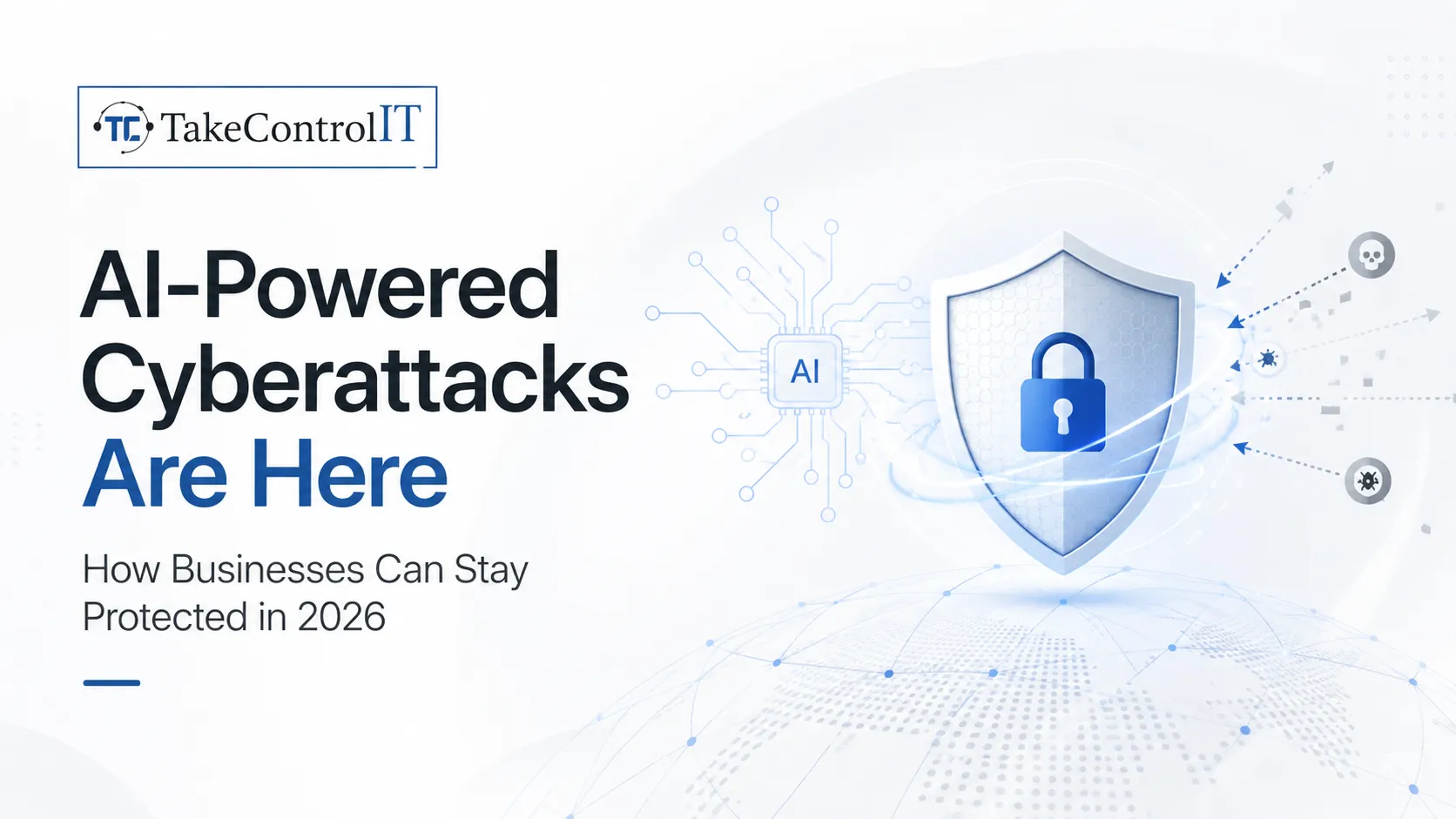
Suspect Your Computer Has Been Hacked? Do These 5 Things Now!

Signs of an Issue:

  1. Slow Performance: Noticeably sluggish computer or network operations may indicate malicious activity taxing your system’s resources
  2. Sudden Crashes: Frequent system crashes or freezes, especially without any apparent cause, could signal a cybersecurity threat.
  3. Pop-Ups and Alerts: Rapidly appearing pop-ups or security alerts, especially those prompting unusual actions, should raise suspicions.
  4. Locked Accounts: Unexpected lockouts from user accounts, particularly when accompanied by unusual activity, may signify unauthorized access attempts.
  5. File Changes: Abrupt and unexplained alterations to files or file structures, such as missing or corrupted data, could suggest malicious tampering.
  6. Abnormal System Behavior: Any irregular behavior from your device, like running after shutdown commands or launching applications without user interaction, warrants investigation.

What to do next?

  1. Isolate the Incident: Take immediate action to isolate the affected device or network segment. Disconnect it from the internet and other connected systems to prevent further spread of the breach. However, refrain from rebooting the device, as this could trigger malicious processes that exacerbate the situation.
  2. Call Your IT Team Immediately: Notify your IT support team without delay. Experienced professionals can swiftly assess the situation, identify the extent of the breach, and implement necessary containment measures. Avoid attempting to resolve the issue independently, as misguided actions could exacerbate the damage.
  3. Engage Your Attorney: Seek legal counsel promptly to navigate potential legal implications of the breach, including regulatory compliance and liability concerns. Your attorney can provide valuable guidance on regulatory requirements, communication strategies, and potential liabilities associated with the incident.
  4. Secure Accounts: As your IT team works to contain the breach, prioritize securing all accounts associated with your business. Change passwords for affected accounts and implement multifactor authentication where possible to enhance security measures. Begin with accounts containing sensitive or financial information, such as banking credentials and administrative privileges.
  5. Monitor Bank Accounts: Vigilantly monitor your business’s financial accounts for any suspicious or unauthorized transactions. Act promptly to report any irregularities to your financial institution and initiate necessary fraud mitigation measures.

If you’re experiencing a cyber-attack, time is critical. Act swiftly and decisively, leveraging professional expertise to minimize potential damages. At Cybertools, we offer FREE Cyber Security Risk Assessments to identify vulnerabilities and develop proactive defense strategies tailored to your business needs. Don’t wait for an attack to strike – schedule your assessment today.

How Can I Protect My Business from Cyber Crime? A Few Tips…

Empower Your Workforce Through Training

Educating your employees about cybersecurity best practices is one of the most potent defenses against cybercrimes. Training on identifying phishing emails, creating strong passwords, and recognizing cyber risks equips your staff to avoid clicking on malicious links or downloading harmful attachments.

Enforce Robust Password Policies

Weak passwords remain a glaring vulnerability for numerous organizations. Strengthening your cybersecurity posture involves implementing stringent password policies, including the enforcement of complex passwords and regular password changes. Incorporating multi-factor authentication offers an added layer of protection against potential cyberattacks.

Prioritize Timely Software and Systems Updates

Mitigating cyberattacks necessitates a proactive approach, which includes regularly updating software and systems. Security patches within updates make it more challenging for cybercriminals to exploit vulnerabilities. By diligently maintaining up-to-date software and systems, you significantly diminish the risk of falling victim to a cyber attack.

Champion Regular Data Backups

Ransomware attacks underscore the importance of maintaining regular data backups. The ability to restore data from backups eliminates the need to succumb to ransom demands. Consistent data backups provide a safety net against data loss resulting from cyber attacks or other unforeseen incidents.

Craft a Comprehensive Cyber Attack Response Plan

Preparedness is key in the battle against cyberattacks. Establishing a well-defined cyber attack response plan is vital. This plan should encompass strategies to contain the attack, restore compromised data, and liaise with relevant authorities. A well-rehearsed plan minimizes the detrimental impact of a cyber assault on your organization.

In conclusion, proactive defense against ransomware and cybercrimes is not a choice but a necessity. By training your workforce, enforcing robust password practices, maintaining up-to-date software, performing regular data backups, implementing advanced cybersecurity measures, and crafting a comprehensive cyber attack response strategy, you significantly reduce the likelihood of falling victim to cyber assaults. These actions position your organization to effectively navigate the escalating landscape of cybercrime.

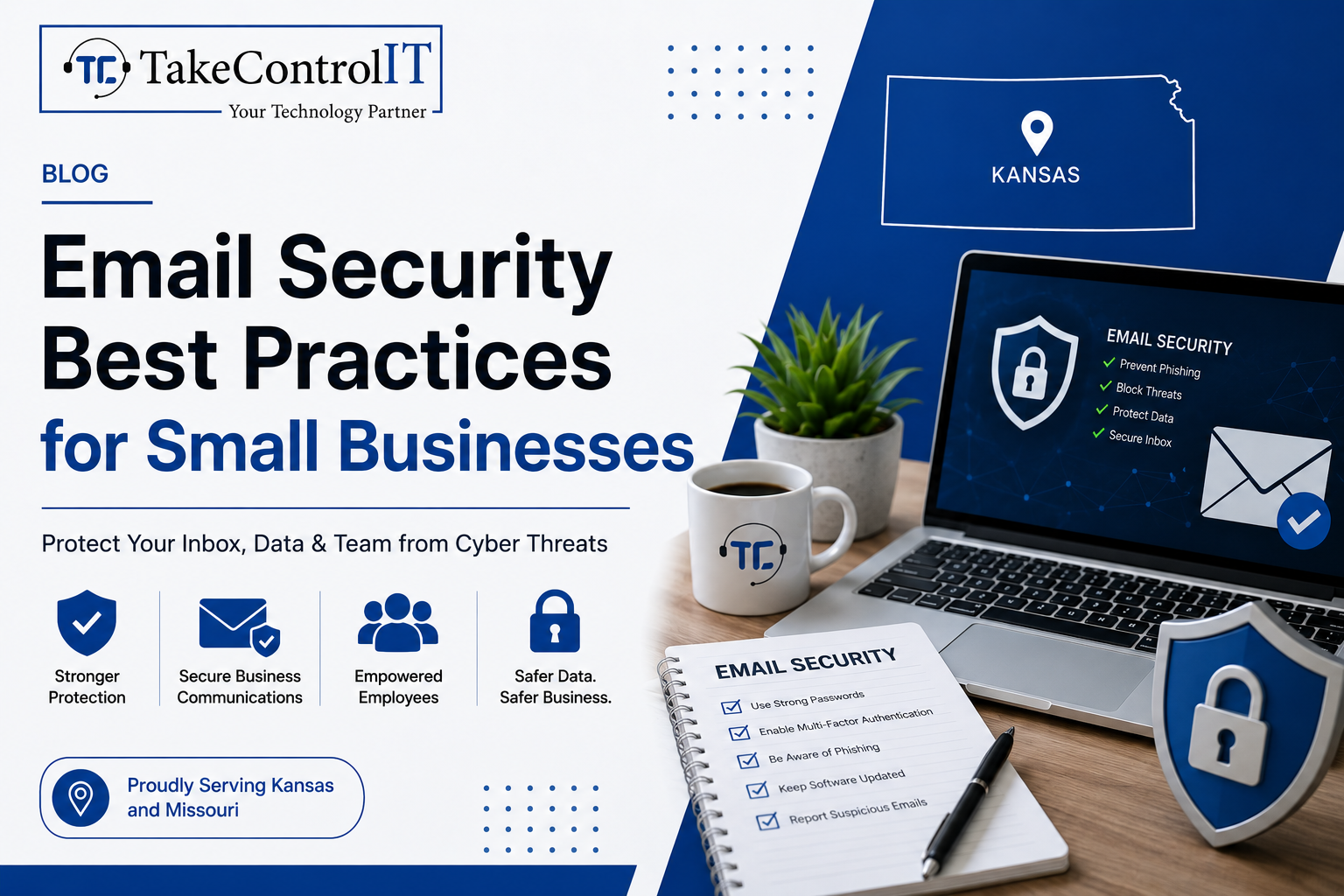
Email Security Best Practices for Small Businesses

Email remains the number one attack vector for cybercriminals targeting organizations of all sizes. For small businesses, the threat is especially serious. Improving email security for small businesses is no longer optional; it’s a core part of staying operational and protecting your customers.

According to the FBI’s 2023 Internet Crime Report, Business Email Compromise (BEC) caused over $2.9 billion in reported losses in the U.S. alone. Small businesses are frequently targeted because they often lack the layered defenses that larger enterprises have in place.

This guide covers the essential practices every small business should follow to protect its inbox, its team, and its data.

Email Security for Small Businesses and the Risks They Face

Small businesses are not too small to be targeted. In fact, they are often seen as easier marks. Many operate without dedicated IT staff, rely on basic email tools, and lack formal cybersecurity for small businesses policies.

Common email-based threats include:

  • Phishing attacks: Fraudulent emails designed to trick employees into sharing credentials or clicking malicious links.
  • Spear phishing: Highly targeted attacks that impersonate a known contact or trusted organization.
  • Business Email Compromise (BEC): Attackers impersonate executives or vendors to authorize fraudulent transfers or actions.
  • Malware delivery: Infected attachments or links that install ransomware or spyware on your systems.

Understanding the threat landscape is the first step toward building a stronger defense.

Essential Email Security Best Practices Every Small Business Needs

1. Enable Multi-Factor Authentication on All Email Accounts

Multi-factor authentication (MFA) adds a second layer of verification beyond just a password. Even if a credential is compromised, MFA blocks unauthorized access.

This is one of the most impactful steps in business email security and should be enforced across every account in your organization, not just executive-level ones.

2. Deploy Email Filtering and Anti-Phishing Tools

Robust email phishing protection tools scan incoming messages for suspicious links, spoofed domains, and malicious attachments before they ever reach your inbox.

Solutions like Microsoft Defender for Office 365 and similar enterprise-grade filters are now accessible to smaller organizations. These tools significantly reduce the volume of dangerous emails that reach your employees.

3. Set Up SPF, DKIM, and DMARC Records

These three DNS-based protocols work together to verify your email’s legitimacy and stop criminals from spoofing your domain.

  • SPF (Sender Policy Framework): Specifies which mail servers are authorized to send on behalf of your domain.
  • DKIM (DomainKeys Identified Mail): Adds a digital signature to outgoing emails to verify they haven’t been tampered with.
  • DMARC (Domain-based Message Authentication): Tells receiving servers what to do when an email fails SPF or DKIM checks.

Configuring all three is a critical step in phishing attack prevention and domain protection.

4. Train Employees to Spot Phishing Attempts

Technology alone isn’t enough. Human error remains a leading cause of successful cyberattacks. Regular training helps your staff recognize suspicious emails, spoofed sender addresses, and urgent requests designed to bypass critical thinking.

Simulated phishing campaigns are an effective way to test awareness and reinforce good habits without real risk. Making security training part of your culture, not just an annual checkbox, dramatically improves your email security for small businesses.

5. Encrypt Sensitive Email Communications

Email encryption ensures that messages containing sensitive data, financial details, client information, contracts, can only be read by the intended recipient.

Many businesses operating in regulated industries like healthcare or finance are required to use encryption. But even outside compliance requirements, it’s a strong practice for any business that values client trust.

6. Establish a Clear Email Security Policy

A written policy sets clear expectations for your team. It should cover password requirements, rules around sharing credentials, acceptable use of company email, and the process for reporting suspicious messages.

A documented policy also helps with compliance and gives your team a clear point of reference when something doesn’t feel right.

Managed Cybersecurity Services and Their Role in Email Protection

Implementing these practices takes more than good intentions; it takes consistent monitoring, proper configuration, and expert oversight. That’s where managed cybersecurity services make a real difference.

A managed security partner handles the technical setup, monitors threats in real time, keeps your filters and protocols updated, and responds when something goes wrong. This gives small businesses access to enterprise-level protection without the need to hire a full in-house security team.

TakeControl IT provides comprehensive cybersecurity for small businesses across Kansas and Missouri, including email security, endpoint protection, and proactive threat monitoring. Their team ensures your defenses are always up to date and working as intended.

Strengthen Your Email Security for Small Businesses Today

Your inbox is one of the most vulnerable entry points in your business. Taking a proactive approach to business email security today can prevent costly breaches tomorrow.

TakeControl IT offers tailored managed cybersecurity services designed to protect small businesses from phishing attacks, email compromise and evolving cyber threats. Based in Shawnee, Kansas, they work with businesses across Kansas and Missouri to build secure, resilient IT environments.

Call +1 913-238-2202 or visit  www.takecontrolit.com to schedule a free consultation and take control of your email security.

Conclusion

Email threats are constant, targeted, and increasingly sophisticated. But the right practices; MFA, filtering, DNS authentication, employee training, and encryption; can dramatically reduce your risk.

Solid email security for small businesses isn’t a one-time fix. It’s an ongoing commitment to protecting your team, your clients, and your reputation. The businesses that build strong foundations now will be far better positioned to handle the threats of tomorrow.

Don’t wait for a breach to take action. Start with one practice today and build from there.

Frequently Asked Questions

What are the most common email threats targeting small businesses?

Phishing, spear phishing, Business Email Compromise, and malware-laden attachments are the most frequent threats. These attacks exploit human error and weak security settings to gain unauthorized access.

What steps are involved in phishing attack prevention?

Effective phishing attack prevention includes enabling MFA, deploying email filters, configuring SPF/DKIM/DMARC records, and conducting regular employee security awareness training.

How is business email security different from basic email protection?

Business email security involves layered defenses including filtering, encryption, authentication protocols, and policy enforcement, going well beyond a standard spam filter or basic password protection.

What are the signs that a business email has been compromised?

Warning signs include unexpected password reset notices, emails sent without your knowledge, unfamiliar login locations, and contacts receiving messages you never sent.

How do managed cybersecurity services improve email security?

Managed cybersecurity services provide continuous monitoring, expert configuration, threat response, and regular updates, ensuring your email security defenses stay effective against evolving attack methods.

Why is email encryption important for small businesses?

Email encryption protects sensitive data in transit, prevents unauthorized interception, and helps businesses meet compliance requirements in regulated industries like healthcare and finance.

Top 10 Cybersecurity Services Every Business Needs in 2025

In an increasingly digital world, cybersecurity is no longer optional—it’s essential. As cyber threats continue to evolve in 2025, every business, regardless of size or industry, must prioritize strong, reliable, and proactive protection. The right cybersecurity services safeguard sensitive data, ensure compliance, and maintain operational continuity.

At TakeControl IT, we specialize in delivering robust cybersecurity services in Kansas, helping businesses defend against emerging cyber threats with cutting-edge technology and expert support. As a leading IT cybersecurity services company, our team offers comprehensive protection tailored to your needs.

Top 10 Cybersecurity Services Every Business Needs

Here are the top 10 cybersecurity services every Kansas business needs. All of which we proudly provide to businesses across Kansas.

1. Managed Cybersecurity Services

Managed cybersecurity services offer proactive, 24/7 monitoring and protection for your network and data. With threats occurring around the clock, having a dedicated team constantly watching over your systems is critical.

TakeControl IT provides fully managed solutions that include firewall management, threat detection, incident response, and compliance support. Our Kansas-based team ensures your business stays one step ahead of cybercriminals.

2. Endpoint Security Management

With the rise of remote work, securing every device—laptops, phones, tablets—connected to your network is vital. Endpoint security solutions protect against threats targeting individual devices that can compromise your entire system.

We ensure every endpoint is covered with encryption, antivirus protection, and remote device control, preventing vulnerabilities that hackers exploit.

3. Cybersecurity Consulting Services

Many businesses don’t know where their vulnerabilities lie. That’s where Cybersecurity Consulting Services come in. Our experts conduct in-depth risk assessments, compliance audits, and system reviews to identify and fix security gaps.

Whether you’re a startup or an established enterprise, our consultants guide you to implement the best security strategies that meet your specific needs and industry regulations.

4. Data Backup and Disaster Recovery

Ransomware attacks are on the rise, and one of the best defenses is a solid backup and disaster recovery plan. If your data is held hostage or lost due to a breach, you need to be able to restore it quickly without paying a ransom. Our backup solutions are encrypted, automated, and stored offsite for added protection. As a trusted Cybersecurity company in Kansas, we ensure your business can recover swiftly from any disaster.

5. Advanced Threat Detection & Response

Traditional antivirus software is no longer enough. In 2025, you need AI-powered tools that can detect and respond to threats in real time.

TakeControl IT deploys advanced threat detection systems that identify suspicious behavior, flag anomalies, and initiate automated responses to mitigate potential damage.

6. Cloud Security Services

As more businesses migrate to the cloud, securing that environment is just as important as protecting your local infrastructure. Cloud security involves data encryption, access control, threat monitoring, and compliance enforcement.

Our team protects your cloud infrastructure—whether you’re using AWS, Azure, Google Cloud, or Microsoft 365—ensuring your sensitive data remains secure and accessible only to authorized users.

7. Network Security Monitoring

Every device and connection on your network is a potential point of attack. Network security monitoring involves continuous surveillance of your network traffic to detect suspicious activity before it becomes a serious issue.

Our cybersecurity experts deploy intrusion detection systems (IDS) and intrusion prevention systems (IPS) that alert and respond in real time to threats.

8. Email Security & Anti-Phishing Protection

Email remains one of the most common attack vectors. Phishing attempts are increasingly sophisticated, and one wrong click can expose your entire organization.

We deploy advanced email security filters, real-time scanning, and user training to block malicious emails and educate employees about phishing red flags.

9, Security Awareness Training

Your employees are your first line of defense—and often your weakest link. Cybersecurity isn’t just about software and firewalls; it’s also about people.

We provide comprehensive training programs to educate staff on password hygiene, social engineering threats, phishing scams, and best practices for digital security.

10. Compliance & Regulatory Support

Industries like healthcare, finance, and legal services are subject to strict regulations such as HIPAA, PCI-DSS, and GDPR. Failing to meet these can result in hefty fines and reputational damage.

TakeControl IT ensures your business remains compliant with up-to-date security policies, regular audits, and detailed documentation. We offer full support through every step of the compliance process.

Why Choose TakeControl IT for Cybersecurity Services in Kansas?

At TakeControl IT, we’re more than just an IT cybersecurity services company. We’re a dedicated partner in your business’s growth and protection. With years of experience serving small to mid-sized businesses in Kansas, our team brings industry knowledge, cutting-edge tools, and human-first service.

Here’s what sets us apart:

  • Locally based in Shawnee, Kansas, with deep knowledge of regional threats
  • Customized cybersecurity services in Kansas—not cookie-cutter packages
  • Certified professionals available 24/7
  • Affordable managed plans for SMBs
  • Strategic guidance from leading cybersecurity consulting services
Ready to Hire Cybersecurity Experts?

2025 is the year to get proactive with cybersecurity. Threats are becoming more advanced, but with the right partner, your business can stay ahead.

Don’t wait for a breach to take action. Hire cybersecurity experts from TakeControl IT and gain peace of mind knowing your systems, people, and data are protected.