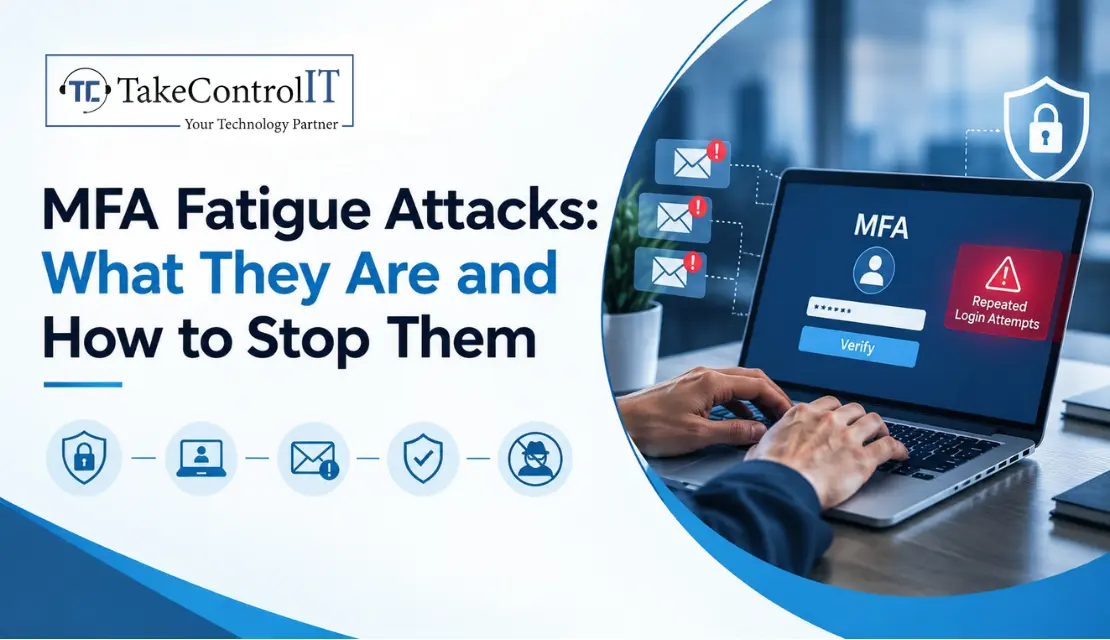

It’s 11 p.m. and your phone buzzes. “Approve sign-in?” You didn’t try to log in. You deny it. Thirty seconds later, it buzzes again. Then again. By the fifth prompt, you’re tired, annoyed, and your thumb finds the “Approve” button just to make it stop.
That tiny tap is exactly what attackers are counting on. MFA fatigue attacks don’t break your security, they wear down the person behind it. Here’s how they work and how to shut them down before they reach your business.
An attacker who already has a stolen password triggers login attempt after login attempt, flooding the real user with approval prompts until one gets tapped. You’ll also hear this called MFA bombing attacks, and the two terms mean the same thing.
It works because it targets human behavior, not software. There’s no clever exploit here, just a pile of notifications and a tired person.
Most of these attacks follow the same pattern:
Timing matters too. Attackers often strike at night or during busy hours, when people are distracted or half asleep.
Larger companies have security teams watching for odd patterns. Smaller ones usually don’t. A few things make local businesses easier targets:
None of this means multi-factor authentication security is broken. MFA is still one of the best defenses you have. It just needs to be set up properly, not simply switched on.
Watch for these red flags:
If someone on your team mentions any of these, treat it as a real incident, not a glitch.
Good MFA fatigue attack prevention comes down to making approval harder to do by accident and easier to spot when it happens:
Turning MFA on is step one. Making it solid is step two. Review which sign-in methods you actually allow and retire the weaker ones, like SMS codes, wherever you can. Run regular access reviews so old accounts don’t linger, and make sure offboarding is airtight so former employees don’t keep a way in.
A strong MFA setup isn’t a one-time job. It’s something you check on a few times a year.
If you run an office, medical or dental practice, or financial firm in Overland Park, Johnson County or the greater Kansas City area, you’re handling exactly the kind of data attackers want. Here’s a quick starting list:
Not sure where to begin? A conversation with an IT consulting Overland Park team can help you review your current setup and find the gaps. And for ongoing monitoring and response, cybersecurity services Overland Park providers can keep watch so your team doesn’t have to.
MFA fatigue attacks succeed because they exploit patience, not code. That’s actually good news. A few smart configuration changes and a short conversation with your staff shut down most of them.
You don’t need a huge budget or a full security team. You need MFA that’s set up well, people who know what to do when a prompt looks wrong, and someone watching for trouble in the background.
Worried About MFA Fatigue Attacks? Let’s Take a Look.
Not sure how your accounts would hold up? TakeControl IT offers a free MFA and account security review for local businesses, so you can find weak spots before someone else does.Call us or contact TakeControl IT today to schedule your review.
1. What is an MFA fatigue attack?
It’s when an attacker with a stolen password floods a user with login approval prompts until the user taps “Approve” out of frustration or confusion. It’s also known as MFA bombing attacks.
2. How do hackers bypass multi-factor authentication?
Rather than breaking the technology, they often trick the person, through repeated prompts, phishing pages or fake IT calls. This is why multi-factor authentication security depends on both settings and staff awareness.
3. What should you do if you get repeated MFA prompts you didn’t request?
Deny every one, don’t approve any, and report it to your IT team right away. Then change your password, since the attacker likely already has it.
4. How can businesses prevent MFA fatigue attacks?
Turn on number matching, move to phishing-resistant methods like hardware keys, set rate limits, monitor for bursts of prompts and train employees. Together these make prevention far more effective.
5. Is MFA still safe to use?
Yes. MFA still blocks the vast majority of account takeovers. It just works best when it’s configured well and paired with training and monitoring.
Running an independent insurance agency means juggling a lot: policy renewals, client calls, carrier paperwork, and somewhere in the middle of all that, a filing...





 Latest Blogs

What exactly is Fixed-Cost IT Support? Fixed-cost IT support is a type of IT assistance in which companies pay a...
Get Started

Computers and Networks That Are Too Slow Slow computers and networks are one of the most prevalent recurrent IT issues...
Get Started
Signs of an Issue: Slow Performance: Noticeably sluggish computer or network operations may indicate malicious activity taxing your system’s resources...
Get Started