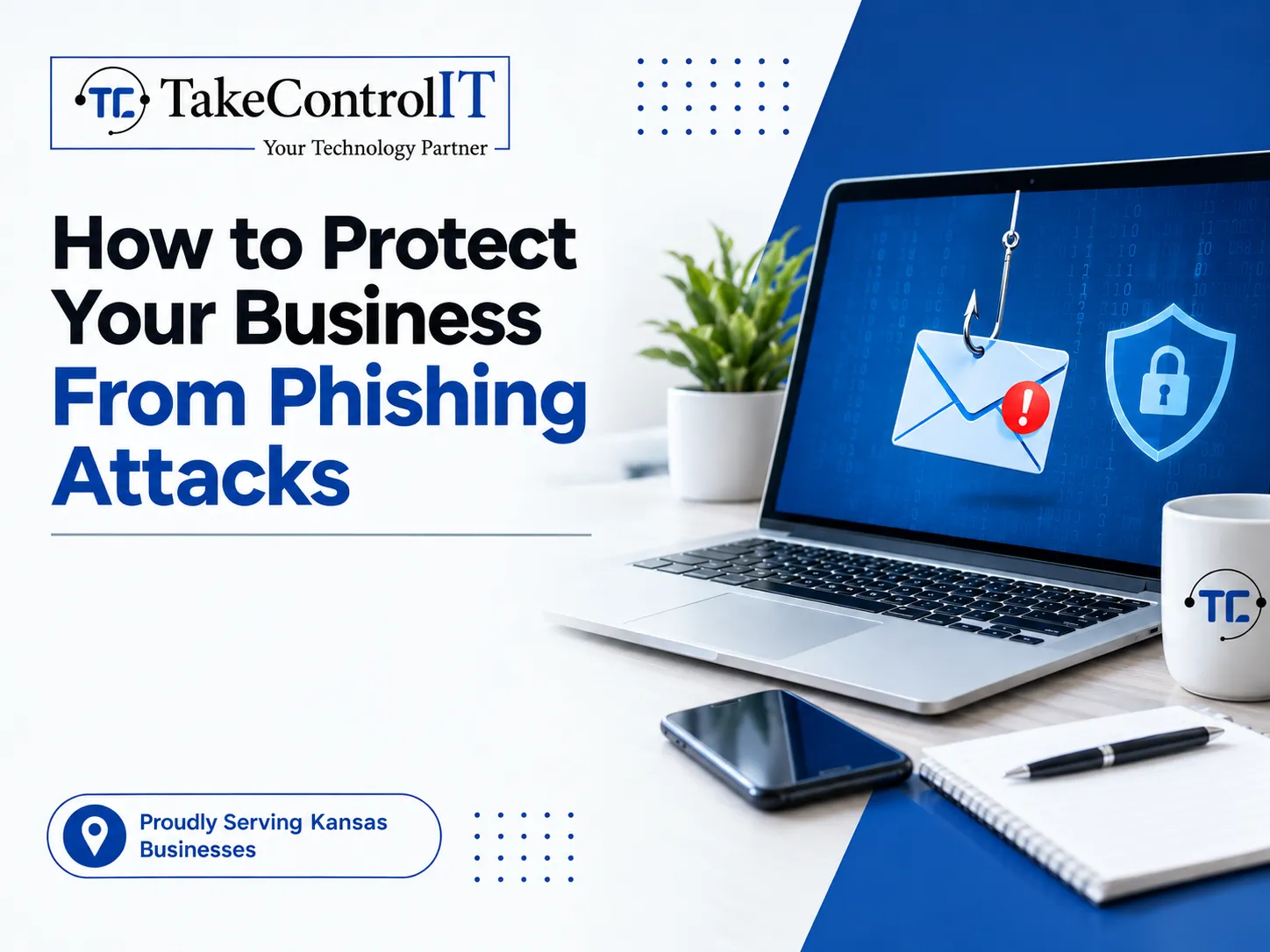

Email inboxes remain the front door to your daily operations. From commercial hubs in Overland Park to manufacturing plants in Wichita, company personnel rely on email to confirm invoices, share contract updates, and manage customer communications. Cybercriminals target this reliance daily. Deceptive phishing attacks account for the overwhelming majority of network breaches and data thefts today. These fraudulent communications mimic legitimate vendors, financial institutions, or company executives to steal credentials and compromise operations.
Stopping modern phishing attacks requires moving beyond simple spam filters. Kansas organizations need proactive multi-layered defenses that combine advanced technical verification with active employee vigilance.
Fraudulent communications have evolved far beyond generic, poorly drafted messages. Modern threat actors study internal team structures, executive names, and client relationships through public platforms before initiating contact. This preparation allows them to craft convincing lures that manipulate trust and urgency.
The primary mechanism behind deceptive phishing attacks is social engineering. Bad actors design messages that pressure recipients into taking quick action without verification. An email might claim an invoice is overdue, an internal password expired, or a shared cloud document requires immediate review. Once an employee clicks the embedded link or downloads an attachment, malicious scripts harvest user credentials or install stealthy surveillance tools directly on the workstation.
Because attackers continuously alter sender domains and message templates, standard static defenses fail to catch every threat. Recognizing how deceptive phishing attacks operate gives your management team the insight needed to build dependable security protocols.
Smaller enterprises frequently assume their systems fly under the radar of international threat groups. In reality, attackers actively exploit mid-sized and smaller operations precisely because they lack dedicated internal defense teams. High rates of phishing attacks for small businesses make proactive email oversight a business priority.
Addressing the rising frequency of phishing attacks for small businesses requires continuous email scrutiny, dual-authorization payment rules, and structured workforce training.
Evaluating conventional reactive email filtering against modern defensive strategies highlights why regional enterprises are upgrading their technical controls:
| Operational Metric | Traditional Reactive Defense | Multi-Layered Proactive Defense |
| Email Ingestion Review | Basic domain reputation and static spam checks | Algorithmic natural language analysis and sender behavioral scoring |
| Link and Attachment Inspection | Static signature matching against known lists | Dynamic sandbox detonation and real-time link click analysis |
| Workforce Preparedness | Annual informational presentations | Ongoing simulated attack drills and active reporting modules |
| Access Verification | Standard single-factor password sign-in | Enforced conditional access with phishing-resistant multi-factor security |
A dependable defensive posture begins at the email gateway. Unchecked inbox clutter exposes employees to dangerous links and fraudulent payloads every day. Deploying comprehensive email security measures minimizes deceptive emails before they ever reach staff screens.
Advanced email security protocols enforce strict cryptographic domain standards, including SPF, DKIM, and DMARC. These public DNS records verify that incoming mail originates from legitimate mail servers rather than spoofed domains. When properly aligned, DMARC policies instruct destination servers to reject unauthenticated mail claiming to originate from your internal domain.
Additionally, modern email defense engines utilize dynamic sandbox tools to open suspicious email attachments in isolated virtual environments. If the file attempts unauthorized outbound connections or executes hidden macros, the system quarantines the file immediately. Layered email security shields your company against zero-day exploits and obfuscated malware.
Stopping email deception requires blending technical automation with clear workplace operating rules. Implementing structured phishing protection keeps corporate identities secure across all mobile devices and office workstations.
Organizations must enforce phishing-resistant Multi-Factor Authentication (MFA) across all cloud directories and administrative accounts. Even if an employee mistakenly enters their username and password into a bogus portal, hardware security keys or authenticator apps stop attackers from gaining network access. Enforcing conditional access rules ensures that sign-in attempts from unfamiliar locations or unmanaged hardware trigger immediate verification hurdles.
Pairing strong authentication with real-time endpoint behavioral analytics delivers complete phishing protection. Suspicious lateral movements and unauthorized mailbox rule creations are identified and contained before threat actors can exploit access permissions.
Technology provides an indispensable barrier, but well-trained employees serve as your first line of defense. Turning your workforce into an active security asset is the core goal of modern phishing prevention programs.
Continuous phishing prevention relies on regular, simulated testing rather than one-time compliance seminars. Monthly simulated scenarios expose staff to the newest tactics, such as counterfeit shared-document alerts and urgent administrative requests. Employees who mistakenly click test links receive immediate, constructive coaching that highlights the exact warning signs they overlooked.
Furthermore, providing workers with a simple, one-click reporting button directly in their email interface encourages rapid threat reporting. When an alert employee flags a suspicious message, automated tools can purge identical emails across every internal inbox within seconds. Effective phishing prevention turns individual vigilance into enterprise-wide protection.
Sustaining dependable defenses against persistent digital fraud requires deep technical oversight. For expanding Kansas organizations, internal staff are often focused on billing, client delivery, and routine operations, leaving limited bandwidth to evaluate threat intelligence daily.
Adopting managed cybersecurity for businesses in Kansas provides local teams with the layered protection required to stop modern threats. Dedicated specialists deliver continuous security telemetry, firewall management, and real-time monitoring that keep inboxes, cloud tenants, and endpoints strictly guarded.
Working with an experienced provider of business cybersecurity ensures that defensive configurations keep pace with changing attack tactics. Organizations can pursue growth, onboard new personnel, and serve regional markets with confidence that proprietary files and customer data remain safe. Comprehensive business cybersecurity converts technical vulnerability into dependable operational resilience.
Digital deception tactics will continue to grow more personalized and harder to spot with the naked eye. Yet, regional enterprises that invest in modern defensive controls can neutralize these vectors without slowing down workplace efficiency.
Prioritizing reliable phishing protection allows your leadership team to protect corporate funds, maintain regulatory compliance, and preserve client trust. Combining automated email filtering, enforced conditional access, and routine staff training builds a resilient organization capable of withstanding aggressive cyber campaigns.
Taking control of your digital defenses ensures that malicious actors cannot disrupt your business continuity or compromise your hard-earned reputation.
Tired of worrying about deceptive emails, credential theft, and evolving cyber fraud? The specialists at Take Control IT deliver proactive security evaluations, advanced email threat filtering, and comprehensive managed solutions crafted specifically for Kansas businesses.
Connect with Take Control IT today to schedule a cybersecurity assessment and discover how our managed protection services can safeguard your organization from digital disruption.
Preventing deceptive phishing attacks requires moving far beyond basic spam filters and sporadic training sessions. By implementing layered email security, enforcing strict multi-factor authentication, and establishing continuous phishing prevention habits across your team, Kansas organizations can effectively neutralize social engineering before it disrupts daily workflows. Investing in proactive business cybersecurity ensures that your systems remain resilient, your sensitive company data stays shielded, and your business operations continue forward with confidence.
They are fraudulent communications designed to trick employees into revealing sensitive credentials, transferring company funds, or downloading malware by impersonating trusted contacts or brands.
Advanced security tools use cryptographic validation protocols like SPF, DKIM, and DMARC alongside behavioral AI to detect spoofed sender headers and block unauthorized mail delivery.
Implement ongoing simulated drills, provide immediate training when mistakes happen, and establish strict secondary confirmation procedures for all wire transfers and invoice changes.
Cybercriminals target small businesses because they often operate without dedicated IT security teams, enterprise-grade email filtering, or multi-factor authentication, making them vulnerable entry points.
Multi-factor authentication prevents attackers from accessing corporate accounts even if credentials are stolen, requiring secondary device verification that malicious landing pages cannot easily bypass.
Managed providers deliver round-the-clock threat hunting, automated mailbox remediation, routine security patching, and strategic oversight that prevents threats from compromising your daily business operations.

When you suspect a breach in your computer or network, panic might be your first reaction. However, your response can make all the difference between...


 Latest Blogs
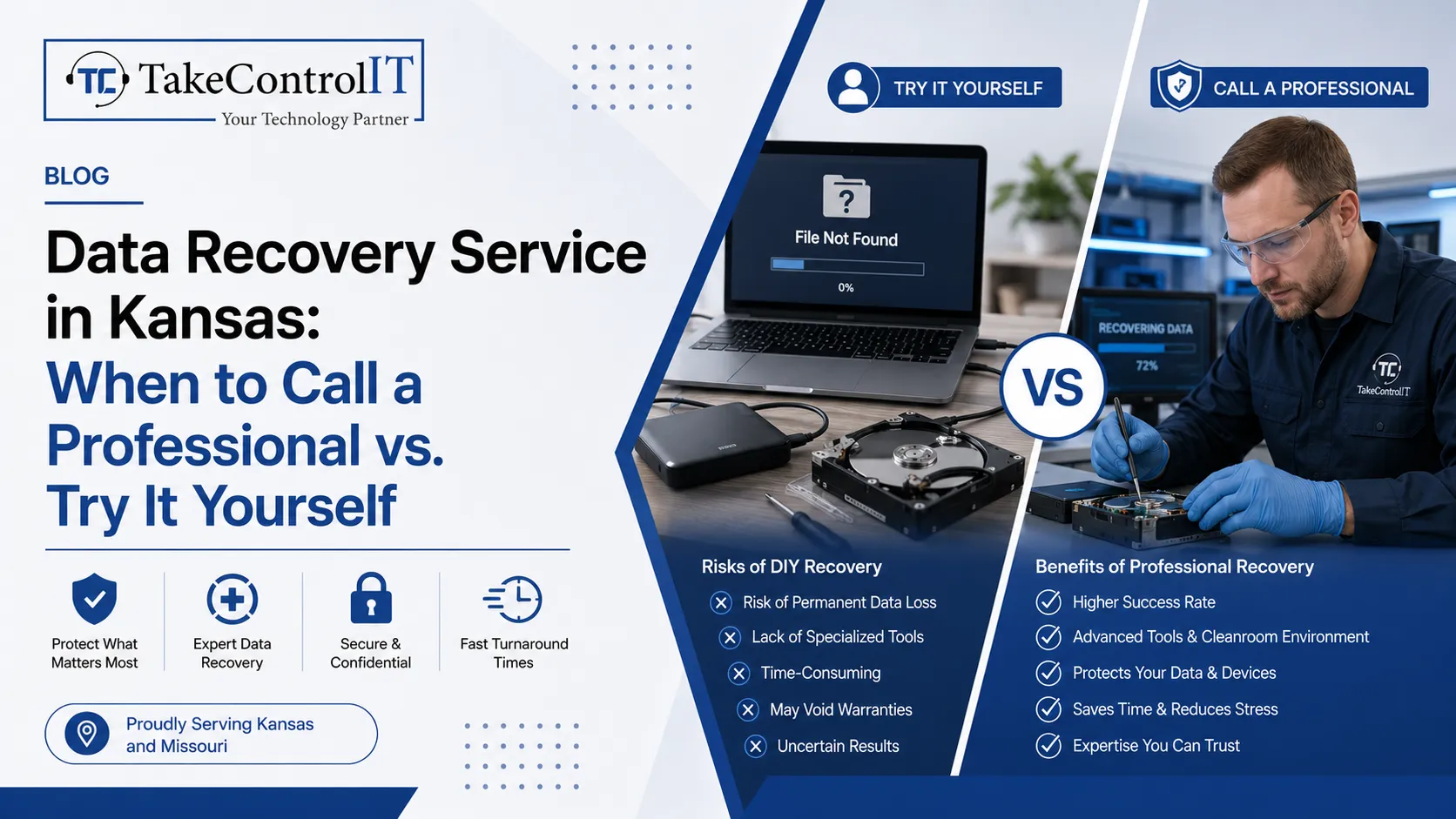
Business data loss can happen without warning. A hard drive may fail suddenly. Files may get deleted accidentally. Malware and...
Get Started
Most business owners assume Microsoft 365 backup happens automatically the moment they move to the cloud. That assumption is one...
Get Started
Cyberattacks no longer look the way they used to. AI-powered cyberattacks now write flawless emails, clone voices, and scan networks...
Get Started