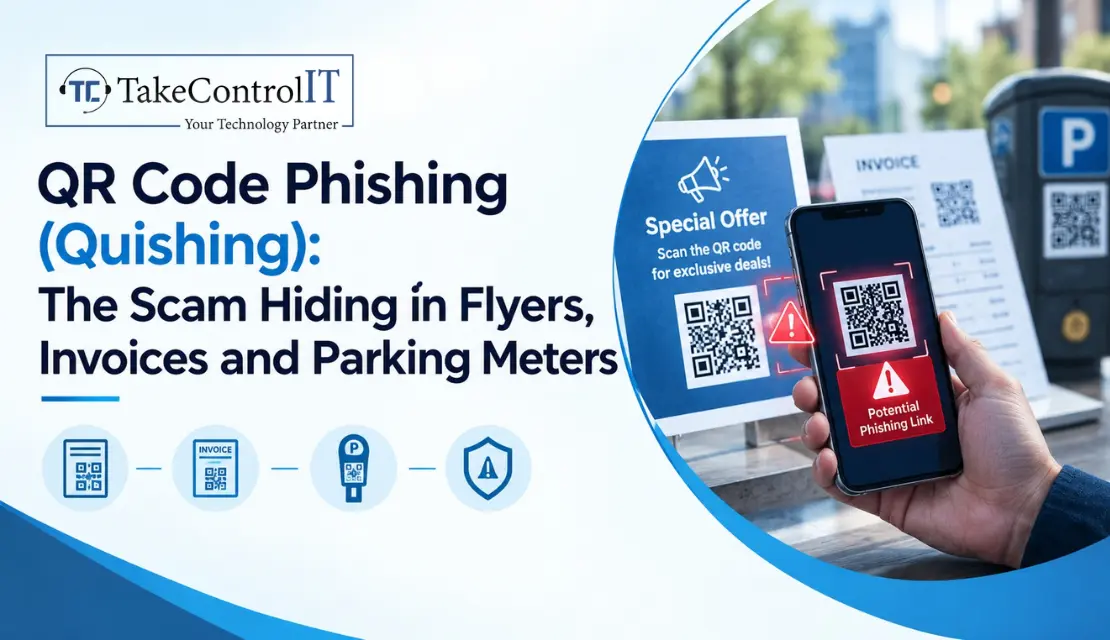

You’re running late, you pull into a spot, and you scan the QR code on the parking meter to pay. The page looks right. The logo looks right. You type in your card number, and only later do you realize the code was a sticker someone slapped over the real one.
That’s QR code phishing in a nutshell, and it’s easier to fall for than most people think. A QR code hides where it’s sending you, so you scan first and think later. Here’s how it works, where it hides, and what to do about it.
It’s phishing that uses a QR code to send you to a fake website or a malicious download. Some people call it quishing. The trick is simple: you can’t read a QR code with your eyes, so you can’t tell whether it’s legitimate until you’ve already scanned it.
It also slips past a lot of defenses. Your phone camera sits outside your company’s email filters, and many people scan on personal phones with no work protection. One industry analysis reported that 12% of phishing attacks in 2025 contained a QR code, though you should treat figures like that as vendor-reported.
Most of these scams follow the same basic path:
A fake QR code scam can show up almost anywhere people expect to scan something:
These QR code scams work because they borrow trust from places you already use every day.
For a business, the QR code security risks go well beyond one employee losing a few dollars:
You don’t need to be a security expert. A few habits catch most of these:
The FBI also suggests calling the company directly before paying an invoice that arrived with a QR code.
Good protection is mostly habits plus a little technology:
These steps are the backbone of practical QR code fraud prevention.
If you run a restaurant, medical office, retail shop or event venue in Overland Park, Johnson County or the greater Kansas City area, your staff and customers scan codes all day. That’s exactly the habit attackers lean on. List where QR codes touch your business, like menus, invoices, signs and parking, then check each one. A trusted IT company Overland Park businesses already rely on can help you review those exposure points and tighten email and device protection. If you’d rather have someone handle the day-to-day, IT services Overland Park providers can monitor and respond so your team isn’t left guessing.
These scams work because almost nobody stops to look at where a code leads. That’s the whole trick, and it’s also the weakness. A few habits, some staff training and the right email protection close most of the gap.
You don’t have to ban QR codes. Just scan the way you’d click: with a little suspicion, a look at the web address, and a phone call when money is involved.
Is Your Team Ready for QR Code Scams? Let’s Check.
Not sure how your team would handle a suspicious code? TakeControl IT offers a free phishing and email security review for local businesses, so you can find weak spots before an attacker does.Call us or contact TakeControl IT today to book your review.
1. How to spot a fake QR code?
Check whether a sticker covers the original, preview the web address before opening it, and watch for misspellings or an unexpected domain. If the code arrived in an unexpected email or message, don’t scan it.
2. How do QR code phishing scams work?
A scammer creates a code that points to a lookalike site and places it where people trust it, like a meter, invoice or flyer. When you scan and enter details, the attacker captures them. That’s the core of most QR code phishing attacks.
3. How to protect against QR code phishing?
Preview links, avoid scanner apps, verify payment requests by phone, use multi-factor authentication and train your staff. These steps are the foundation of solid QR code fraud prevention.
4. Can scanning a QR code hack your phone?
Scanning alone is rarely the danger. The risk comes from what happens next: opening a fake site, entering credentials or downloading something malicious. Skipping those steps keeps most threats harmless.
5. How to identify malicious QR codes?
Look for tampering, strange or shortened web addresses, urgent language and codes in places they don’t belong. When in doubt, type the company’s real web address yourself instead of scanning.
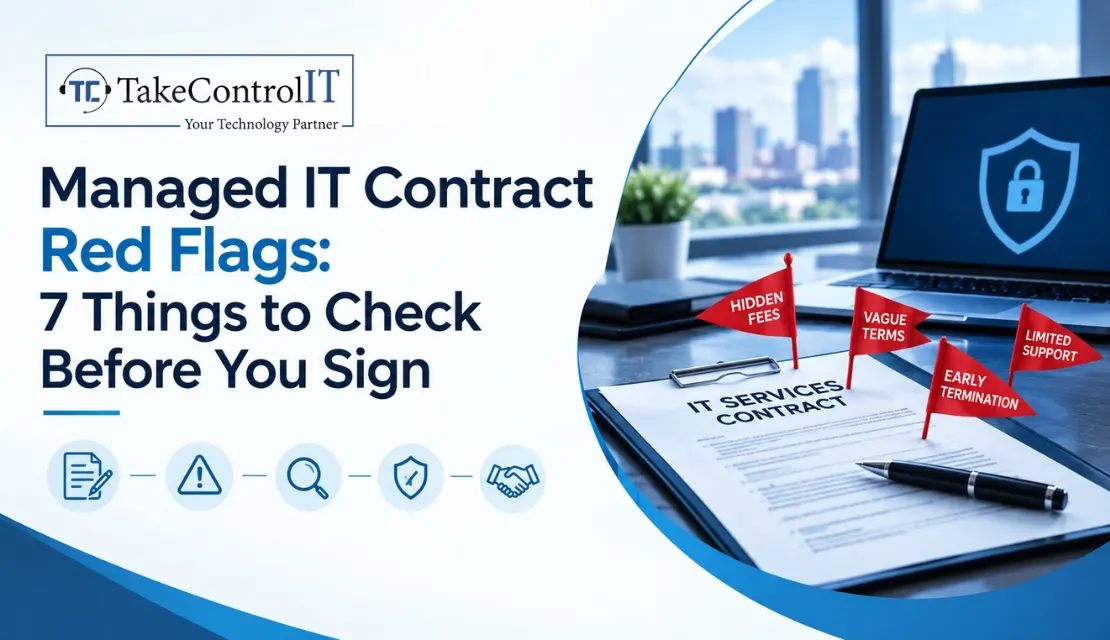
You’ve finally decided to hand off your IT headaches to a professional. The proposal looks great, the sales rep is friendly, and you’re ready to...





 Latest Blogs

What exactly is Fixed-Cost IT Support? Fixed-cost IT support is a type of IT assistance in which companies pay a...
Get Started

Computers and Networks That Are Too Slow Slow computers and networks are one of the most prevalent recurrent IT issues...
Get Started

Signs of an Issue: Slow Performance: Noticeably sluggish computer or network operations may indicate malicious activity taxing your system’s resources...
Get Started