
An employee is racing to finish a report. They paste a client contract into a free AI chatbot to get a quick summary. It works great. Nobody approved it, nobody knows it happened, and that contract now lives on a server your company has never reviewed.
That’s Shadow AI, and it’s already happening in more offices than most owners realize. The good news is you can get control of it without banning AI. You just need a few clear rules.
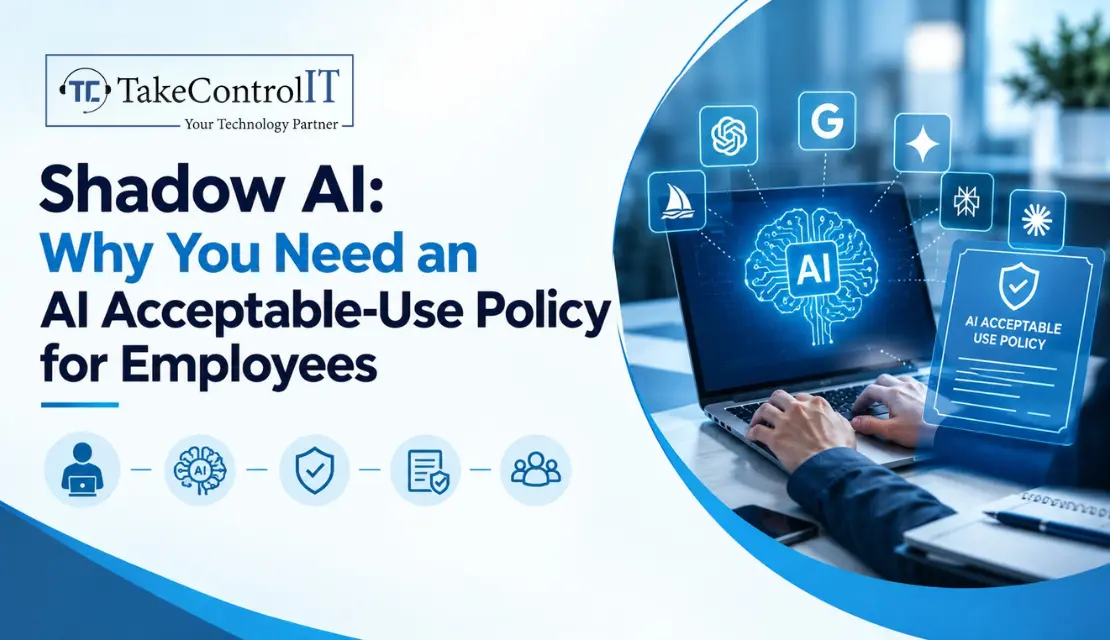
Shadow AI means employees using AI tools, accounts or browser add-ons that your company never approved. Think free chatbots on personal logins, AI note-takers that join meetings uninvited, or plugins sitting inside email and browsers.
It’s similar to shadow IT, with one big difference: data goes into the tool. Depending on the vendor’s terms, that data may be stored, reviewed or even used to train future models.
Staff aren’t trying to cause trouble. The tools are free, fast and one click away, and most small businesses haven’t told people what’s allowed. IBM’s 2025 Cost of a Data Breach Report found that one in five organizations reported a breach tied to shadow AI, and only 37% had policies to manage AI or detect shadow AI. Coverage of IBM’s 2026 report says that share rose to 43% of breaches, so check the latest numbers on IBM’s site before you rely on any single stat. Source
The Shadow AI risks go beyond one careless paste:
The cost is real, too. IBM’s 2025 data links breaches involving shadow AI to an average cost of $4.63 million, roughly $670,000 higher than environments without similar exposure. reco
From a security view, the Shadow AI security risks are simple to describe and hard to see. Data leaves your network with no logging, no access controls and often no company login at all. Staff may reuse weak passwords on tools you don’t manage, and one AI plugin with broad permissions can read far more than anyone intended.
Treating this as a Shadow AI cyber security issue, not just an HR one, changes the response. It belongs next to phishing, MFA and backups on your security checklist.
It’s also an issue of AI data privacy risks. Once information is typed into a public tool, you may not control where it’s kept or who can review it. For firms handling health, financial or legal records, that can turn into a compliance problem fast.
You can’t manage what you can’t see. Good Shadow AI detection starts simply:
Keep the tone friendly. If people fear punishment, they’ll just hide what they’re using.
A good policy fits on one or two pages and uses plain English. Include:
Most importantly, give people a safe approved option. A ban with no alternative just pushes the habit underground.
If you run a medical, legal, accounting, logistics or manufacturing firm in Kansas City, KS or the metro, you handle data attackers and regulators care about. Start with a staff survey, choose your approved tools, write the policy, train your team, then monitor.
You don’t have to do it alone. Ongoing policy setup and oversight fit naturally into managed IT services Kansas City KS providers already offer, and everyday questions about which tools are safe can go to IT support Kansas City KS teams. If you’d rather have someone run the survey and review your current exposure, a trusted IT company Kansas City KS can do that quickly.
AI isn’t the enemy. Unmanaged AI is. Most of the damage comes from good people trying to save time with tools nobody explained to them.
You don’t need a big budget or a long document. You need a short policy, an approved tool list, a little training and some visibility into what’s being used. Do those four things and most of the risk goes away.
Is Your Team Using AI You Don’t Know About?
TakeControl IT offers a free AI risk and policy review for local businesses, so you can see what’s in use, where your data is going, and what rules make sense for your team.Call us or contact TakeControl IT today to schedule your review.
1. Why is Shadow AI a security risk?
Because company data goes into tools nobody reviewed, with no logging, access controls or clear rules on how it’s stored. That makes leaks, compliance problems and account takeovers harder to prevent and harder to spot.
2. How to prevent Shadow AI in the workplace?
Combine a clear policy, an approved tool list, staff training and basic monitoring. Offer a safe alternative so people don’t feel they have to go around the rules.
3. How to create an AI acceptable use policy?
List approved tools, define what data is off limits, set rules for accounts, require review of AI output, name who handles questions and incidents, and review it every year. Keep it short and written in plain language.
4. How to prevent employees from sharing sensitive data with AI?
Train staff on what counts as sensitive, block or limit unapproved AI sites where it makes sense, use data loss prevention in email and endpoints, and provide an approved business-grade tool.
5. What is the difference between Shadow AI and shadow IT?
Shadow IT is any unapproved software or device. It’s the AI-specific version, and it carries extra risk because the data you enter may be retained or used to train models.
Picture an employee who logs in with a strong password and approves the MFA prompt. Everything looks fine. Two days later, someone else is sitting...





 Latest Blogs

What exactly is Fixed-Cost IT Support? Fixed-cost IT support is a type of IT assistance in which companies pay a...
Get Started

Computers and Networks That Are Too Slow Slow computers and networks are one of the most prevalent recurrent IT issues...
Get Started
Signs of an Issue: Slow Performance: Noticeably sluggish computer or network operations may indicate malicious activity taxing your system’s resources...
Get Started