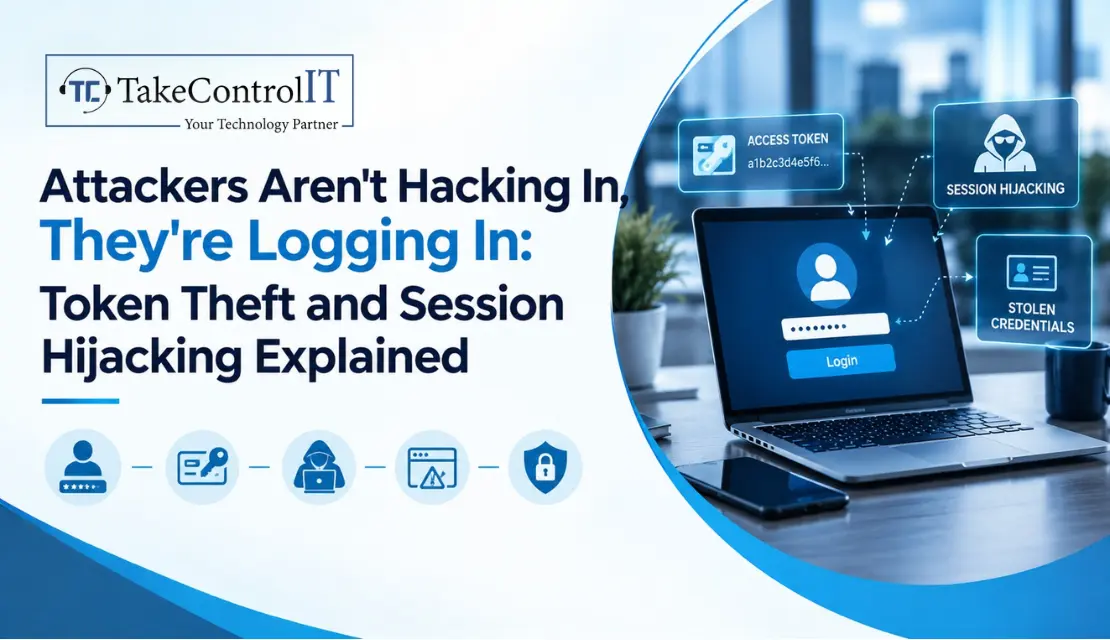

Picture an employee who logs in with a strong password and approves the MFA prompt. Everything looks fine. Two days later, someone else is sitting inside that account, reading email and downloading files, and no suspicious login alert ever fired.
Nobody guessed the password. Nobody beat the MFA. They simply took the proof that the employee was already logged in. That’s session hijacking, and it’s one of the quieter ways attackers get in today. Here’s how it works and what you can do about it.
It’s when an attacker takes over a logged-in session by stealing or copying the token, usually a cookie, that tells a website who you are. Think of a hotel key card. The thief doesn’t pick the lock. They copy the card and walk right in.
The key point is timing. A session hijacking attack happens after login, so passwords and MFA are already out of the picture. The website sees a valid token and lets the visitor in.
Most of the time, it goes like this:
The scale is hard to ignore. NordVPN researchers counted more than 52.4 billion stolen cookies in infostealer data between June 2025 and June 2026, and three malware families accounted for 79.8% of them. To be fair, most of those were advertising and tracking cookies, while authentication cookies are far less common but pose the greatest risk. Cloudflare’s first threat report, published March 3, 2026, also listed session token theft through infostealers among its main trends. Cookies: Research reveals 52.4B stolen cookies in one year +2
Often, yes. Stolen session cookies are issued after MFA succeeds, so using one skips the login step entirely. A stolen token may not be used for days or weeks, and it only needs to be used before the session expires or is rotated. brandefense
None of this means MFA is useless. It still blocks most password attacks and you should keep it on everywhere. But session hijacking in cyber security is a reminder that logging in safely is only half the job. You also have to protect what happens afterward.
Watch for these red flags:
Treat any of these as a real incident. Don’t wait to be sure.
Solid session hijacking prevention is about layers, not one magic setting:
A plan matters too. Know who revokes sessions, who resets passwords and who reviews the logs before a problem shows up. Good session hijacking prevention is mostly preparation.
If you run a medical office, accounting firm, construction company or distribution business in Lenexa, Johnson County or the greater Kansas City area, you hold exactly the kind of accounts attackers like to take over. Start with a few basics: review conditional access, tighten endpoint protection, shorten session lifetimes, train your staff and write a one-page plan for what to do if an account is hijacked.
You don’t have to build all of that alone. Ongoing monitoring and policy management fit well within managed IT services Lenexa Kansas businesses already use, and everyday help with lockouts and suspicious activity can come from IT support Lenexa KS teams. If you’d like a second set of eyes on your current setup, a trusted IT company Lenexa can review it and close the gaps.
Attackers don’t always hack in. Sometimes they log in with a token you didn’t know was stolen. The encouraging part is that a few layers, strong endpoint protection, shorter sessions, device controls and a quick response plan, remove most of the opportunity.
You don’t need an enterprise budget. You need to treat the session as something worth protecting, not just the password.
Not Sure Your Accounts Would Survive a Stolen Token?
TakeControl IT offers a free account security and session review for Lenexa businesses. We’ll look at your sign-in settings, device controls and endpoint protection so you can fix weak spots before an attacker finds them.Call us or contact TakeControl IT today to schedule your review.
1. How does session hijacking work?
After you log in, a website gives your browser a token to prove who you are. An attacker steals or copies that token and uses it to act as you, without needing your password or MFA code.
2. How do hackers steal session cookies?
Most often through infostealer malware that copies cookies from a browser, which is the heart of browser session hijacking, or through phishing pages that capture a token as you log in. Malicious extensions and unsecured networks can also expose them.
3. Can hackers bypass MFA using stolen session cookies?
In many cases, yes. The cookie is created after MFA is completed, so replaying it can skip the prompt. That’s why device controls and short sessions matter alongside MFA.
4. How to detect session hijacking attacks?
Look for logins from new locations or devices, impossible travel, unexpected inbox rules, changed MFA settings and unusual downloads. Logging and alerts make these much easier to catch.
5. How to prevent account takeover attacks?
Use phishing-resistant MFA, endpoint protection, conditional access, shorter sessions and staff training, and have a plan to revoke sessions and reset passwords quickly.
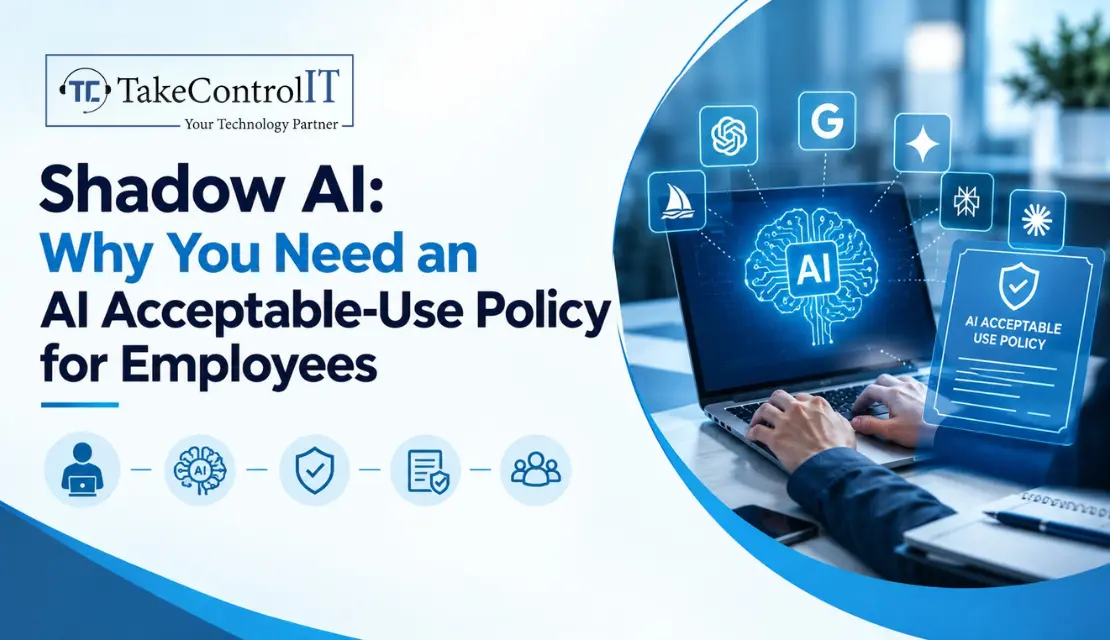
An employee is racing to finish a report. They paste a client contract into a free AI chatbot to get a quick summary. It works...

 Latest Blogs

What exactly is Fixed-Cost IT Support? Fixed-cost IT support is a type of IT assistance in which companies pay a...
Get Started

Computers and Networks That Are Too Slow Slow computers and networks are one of the most prevalent recurrent IT issues...
Get Started
Signs of an Issue: Slow Performance: Noticeably sluggish computer or network operations may indicate malicious activity taxing your system’s resources...
Get Started