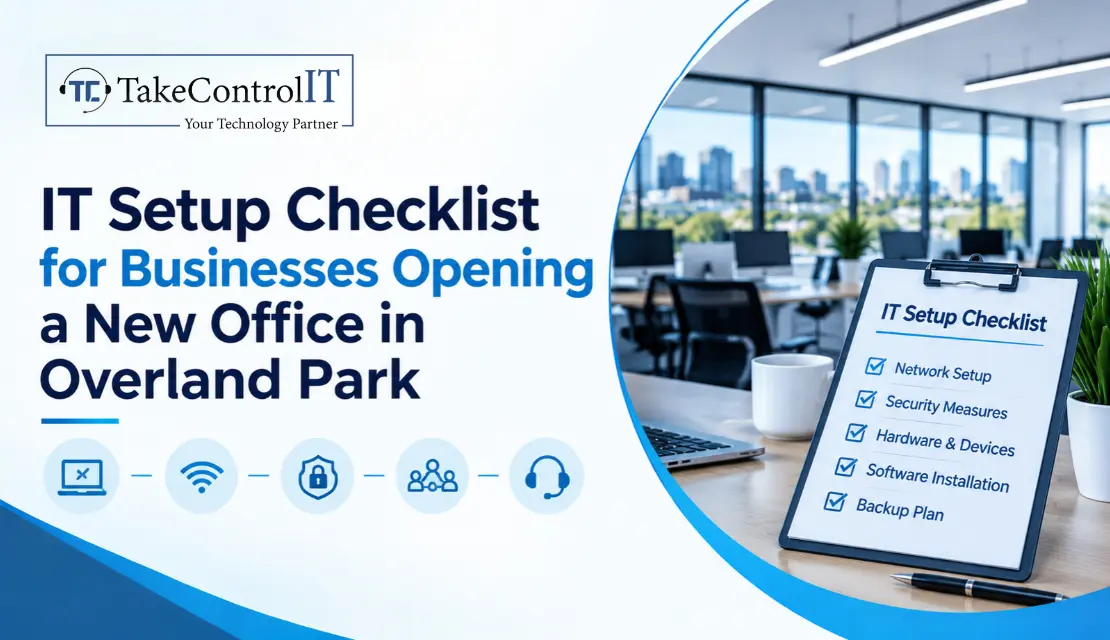

It’s a moving day. The boxes are stacked, the desks are in, and someone asks the question nobody wants to hear: “Is the Wi-Fi working?” It isn’t. The internet install is three weeks away, and half the team’s laptops haven’t been set up.
That’s what happens when IT gets treated as a last-minute task. This IT setup checklist walks you through everything to handle before and after you open a new office in Overland Park, in the order that actually works.
Most new-office headaches trace back to timing. Internet orders can take weeks, equipment can have lead times, what an hour of downtime costs and security gaps tend to show up on day one if nobody planned for them. Good IT setup for new office projects starts well before you get the keys.
Skipping the planning usually costs more than doing it. You end up rush-buying equipment, paying for emergency installs and leaving systems unprotected while everyone is busy unpacking.
This IT setup checklist for businesses is organized by timeline, so you always know what’s next.
A new office is a clean slate, which makes it the easiest time to do security right:
Buy for the future, too. Windows 10 reached end of support on October 14, 2025, and for organizations, extended security updates are a subscription of $61 per device that doubles each year, for up to three years. A new office should start on Windows 11-ready hardware rather than paying to stretch old machines.
You don’t need to overbuy. A few simple rules go a long way:
Order the internet first. It’s the one item you can’t rush once the building is ready. If your business depends on being online, add a second connection as a backup.
Plan Wi-Fi coverage from your floor plan instead of guessing, especially in multi-tenant buildings and business parks where walls and neighboring networks cause interference. For phones, decide early whether VoIP fits your needs and how calls should route when someone is out.
Set up automatic cloud backups and test a restore before you need one. Write a short recovery plan so everyone knows who does what if systems go down. If you’re in healthcare, finance or legal services, check which compliance rules apply to your data before you pick tools. And create a simple process for adding and removing staff accounts, so former employees don’t keep access.
Whether you’re in a business park off College Boulevard or a multi-tenant building in Johnson County, you’ll want help on call from day one. Know what to check before signing. Ask any provider a few direct questions:
How fast do you respond, and do you cover after-hours issues?
Do you handle one-time setup, ongoing support or both?
Who owns the documentation, passwords and licenses?
What does the monthly cost include?
A managed IT company Overland Park businesses already trust can handle the setup and stay on as your ongoing partner. Having reliable IT support Overland Park teams can reach quickly means small problems stay small.
A good IT setup checklist saves you from the most common new-office mistakes: late internet, unprotected devices and surprise bills. Start early, order the slow items first, and don’t treat security as something to add later.
You don’t need to do it alone. Even a short planning session before you sign your lease can prevent weeks of frustration. IT setup for new office projects goes best when someone experienced owns the timeline.
Opening a New Office? Let’s Get It Set Up Right.
TakeControl IT offers a free new-office planning session for Overland Park businesses. We’ll review your office IT setup checklist, flag anything you’ve missed and help you plan internet, security and equipment so you’re ready on day one. Our IT support Overland Park team can stay with you after move-in, too.
Call us or contact TakeControl IT today to book your session.
1. What should be on an IT setup checklist for a new office?
Internet service and a backup line, a network plan, a business-grade firewall, devices and accounts, multi-factor authentication, backups, phones and a support plan. Organize it by timeline so the slow items get ordered first.
2. How long does it take to set up IT for a new office?
Plan for at least a month, and longer if you need new internet service or a large equipment order. Internet installation and hardware orders usually take the longest, so start them first. Smaller offices can move faster with good preparation.
3. How much does IT setup for a new office cost?
It depends on headcount, equipment, security needs and whether you use cloud or on-site systems. Hardware and internet are the biggest line items. A planning session gives you a realistic budget before you commit.
4. What IT equipment does a new business office need?
Laptops or desktops, a business-grade firewall, switches, Wi-Fi access points, printers, phones or VoIP service, backup storage or cloud backup, and a few spare accessories.
5. Should a new office use a managed IT provider?
For most small and mid-sized businesses, yes. A managed provider handles setup, security, support and updates for one predictable cost, so you don’t need to hire in-house.

Your company has grown from 15 people to 60. The old IT setup that worked fine, one helpful person and a few vendors, is starting...





 Latest Blogs

What exactly is Fixed-Cost IT Support? Fixed-cost IT support is a type of IT assistance in which companies pay a...
Get Started

Computers and Networks That Are Too Slow Slow computers and networks are one of the most prevalent recurrent IT issues...
Get Started

Signs of an Issue: Slow Performance: Noticeably sluggish computer or network operations may indicate malicious activity taxing your system’s resources...
Get Started