
Why Businesses Are Moving from Reactive IT to Proactive Managed IT in Kansas

Recently, many of the Kansas based IT companies are rethinking the strategies to handle the technologies effectively. For years, the standard approach was simple: wait until something breaks, then call for help. That model is losing ground fast. Business owners across Overland Park, Shawnee, Prairie Village, Mission, and the greater Kansas City metro are discovering that Managed IT Services in Kansas offer a steadier, smarter way to run daily operations. 

Instead of waiting for a server crash or a security incident to force action, companies are choosing ongoing monitoring, maintenance, and support built around prevention. This shift is not just a passing trend. It reflects a real change in how Kansas businesses think about risk, cost, and long-term growth.

The Real Difference Between Reactive IT and Managed IT Services in Kansas

For decades, the break-fix model was the default for small and mid-sized companies. Under this approach, a business only calls its IT vendor once a computer freezes, a network goes down, or an employee cannot log in. The provider then shows up, diagnoses the issue, and charges for the visit.

This reactive pattern has real costs. Every outage means lost productivity while staff wait for a fix. Every repeat problem often signals a deeper issue that was never addressed.

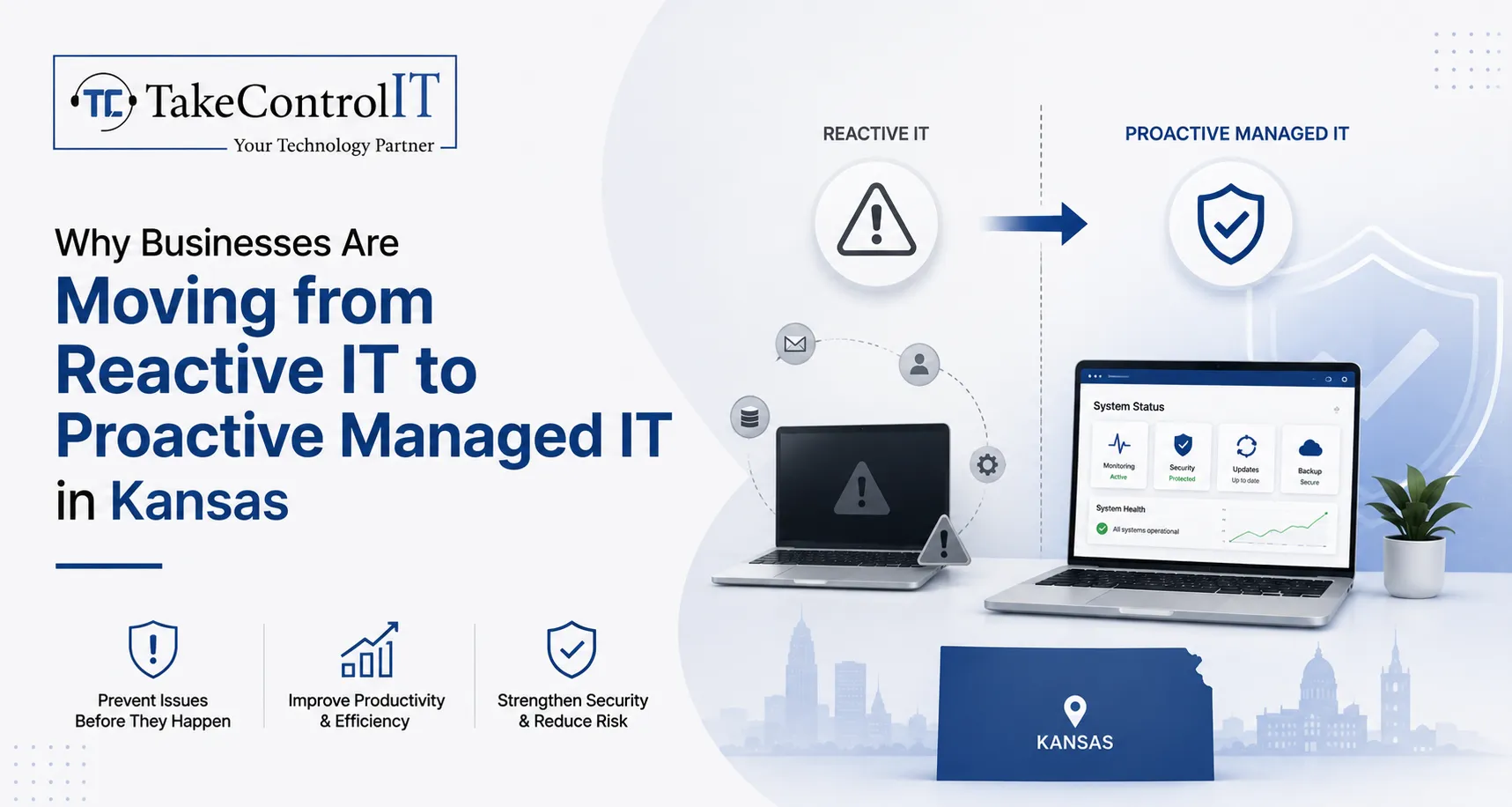
Managed IT Services in Kansas work differently. A managed provider monitors systems around the clock, applies updates before vulnerabilities are exploited, and flags warning signs long before they become full outages. The goal is prevention, not repair.

Reactive IT tends to include:

  • Support only after something fails
  • Unpredictable, per-incident billing
  • Little to no ongoing monitoring
  • Limited insight into overall network health

Proactive managed support tends to include:

  • Continuous monitoring and maintenance
  • Flat, predictable monthly costs
  • Scheduled patching and updates
  • A documented view of system performance over time

Signs Your Kansas Business Has Outgrown Reactive IT

Many companies do not realize they have outgrown break-fix support until the damage is already done. A few common warning signs include:

  • Repeated slowdowns or crashes that never seem to get permanently resolved
  • Employees losing hours to tech issues instead of billable or productive work
  • No clear picture of when software was last updated or patched
  • Growing concern about ransomware, phishing, or data breaches
  • Difficulty meeting industry compliance requirements, especially in healthcare, finance, or legal services
  • No documented plan for backup and disaster recovery

If any of these sound familiar, it may be time to explore Managed IT Support in Kansas rather than continuing to patch problems one at a time.

Core Elements of Proactive IT Support in Kansas

Proactive IT Support in Kansas is built on a few consistent practices that separate it from the old break-fix model. Most established managed providers build their service around the following:

  • 24/7 network monitoring to catch unusual activity early
  • Scheduled patch management so software vulnerabilities get closed quickly
  • Regular data backups with periodic recovery testing, not just backup logs
  • Layered cybersecurity, including endpoint protection, email filtering, and staff awareness training
  • A help desk that resolves everyday issues quickly and tracks recurring trends
  • Strategic technology planning, sometimes called vCIO support, to align IT with business goals

Together, these practices are what set Proactive IT Support in Kansas apart from simple break-fix repair. Instead of reacting to a crisis, teams can focus on their actual work.

Business Benefits of Managed IT Support in Kansas

Choosing Managed IT Support in Kansas brings measurable advantages beyond simply avoiding downtime.

Predictable budgeting stands out first. Flat monthly plans make it easier to forecast technology spending instead of absorbing surprise repair bills. Reduced downtime follows closely behind, since monitored systems catch problems before they interrupt operations.

A stronger security posture matters just as much. Continuous patching and monitoring close gaps that attackers commonly exploit. This is especially important for Kansas businesses in regulated industries that must meet compliance standards.

Additional benefits include:

  • Scalable support that grows alongside the business
  • Improved employee productivity with fewer tech interruptions
  • Access to broader expertise than a single in-house IT hire could provide
  • Peace of mind knowing systems are actively managed, not just occasionally checked

The Value of Local IT Services in Kansas for Growing Companies

Working with IT Services in Kansas from a local, regional provider offers advantages that a national call center often cannot match. Local teams understand regional compliance considerations, respond faster when on-site help is genuinely needed, and build long-term relationships with the businesses they serve.

Kansas has a diverse business landscape, from healthcare practices and financial firms to manufacturers and professional offices. Each industry carries its own technology and compliance needs. A local provider that already understands these patterns can implement solutions faster and with fewer missteps than a distant, one-size-fits-all vendor. For companies weighing their options, dependable IT Services in Kansas from a nearby team often make the difference between a quick fix and a long, frustrating wait.

Take Control IT’s Approach to Proactive Technology Management

Take Control IT works with businesses across Kansas and the surrounding region to move away from reactive, break-fix habits. The team evaluates existing infrastructure, identifies gaps in security and performance, and builds a technology roadmap suited to each client’s goals.

Rather than treating every client the same, Take Control IT tailors its approach for startups, established mid-sized firms, and organizations with strict compliance requirements. This includes secure infrastructure management, layered cybersecurity, business continuity planning, and ongoing strategic guidance. For companies ready to stop firefighting and start planning, Take Control IT offers a practical path forward.

Take the Next Step Toward Proactive IT

Reactive IT habits are hard to break on your own, especially while running a business. A trusted partner makes the shift much easier.

Take Control IT helps Kansas businesses move from constant troubleshooting to dependable, well-managed technology. Reach out today to schedule a consultation and see how Managed IT Services in Kansas can strengthen your security, stabilize your budget, and free up your team to focus on real growth.

Conclusion

The shift from reactive to proactive technology management is not just a passing preference. It reflects how Kansas businesses are adapting to rising cyber threats, tighter compliance expectations, and the simple need for dependable systems. Companies that continue relying on break-fix support often face higher long-term costs, more downtime, and greater security risk.

Managed IT Services in Kansas give business owners a steadier alternative. With continuous monitoring, planned maintenance, and a dedicated technology partner, companies can spend less time worrying about IT and more time growing their business. Take Control IT stands ready to help Kansas businesses make that transition with confidence.

Frequently Asked Questions

What is the difference between reactive and proactive IT support?

Reactive IT fixes problems after they happen. Proactive Managed IT Services in Kansas monitor systems continuously, applying updates and catching issues before they cause downtime or data loss.

How much do managed IT services cost in Kansas?

Pricing depends on business size, industry, and support needs. Most Managed IT Support in Kansas providers offer flat monthly plans, which make budgeting more predictable than per-incident repair billing.

Which industries benefit most from managed IT services?

Healthcare, finance, legal, and professional service firms benefit greatly, since these industries face strict compliance requirements and handle sensitive data that demands consistent, proactive IT Services in Kansas.

How quickly can a business switch to managed IT support?

Most transitions take a few weeks. A provider first audits existing infrastructure, then gradually implements monitoring, security tools, and documented processes with minimal disruption to daily operations.

Is managed IT support suitable for small businesses?

Yes. Small businesses often benefit the most, since Managed IT Services in Kansas provide enterprise-level monitoring and cybersecurity without the cost of a full in-house IT department.

What should a business look for in an IT services provider?

Look for proven local experience, 24/7 monitoring, transparent pricing, strong cybersecurity practices, and positive client testimonials before choosing Managed IT Support in Kansas.
Microsoft 365 August 2026 Updates: New Features, Security Changes & Business Impact

The Microsoft 365 August 2026 updates bring some of the most significant identity, security, and licensing changes Microsoft has shipped this year, and Kansas businesses running on the platform need to pay attention. From the retirement of SMS-based multi-factor authentication to Microsoft 365 new features like AI meeting tools and expanded license bundles, this month’s changes touch nearly every part of the platform your team relies on daily. 

Understanding these Microsoft 365 updates and why they matter helps you avoid disruption, close security gaps, and get more value from the subscription you already pay for. Here is what changed and what to do next.

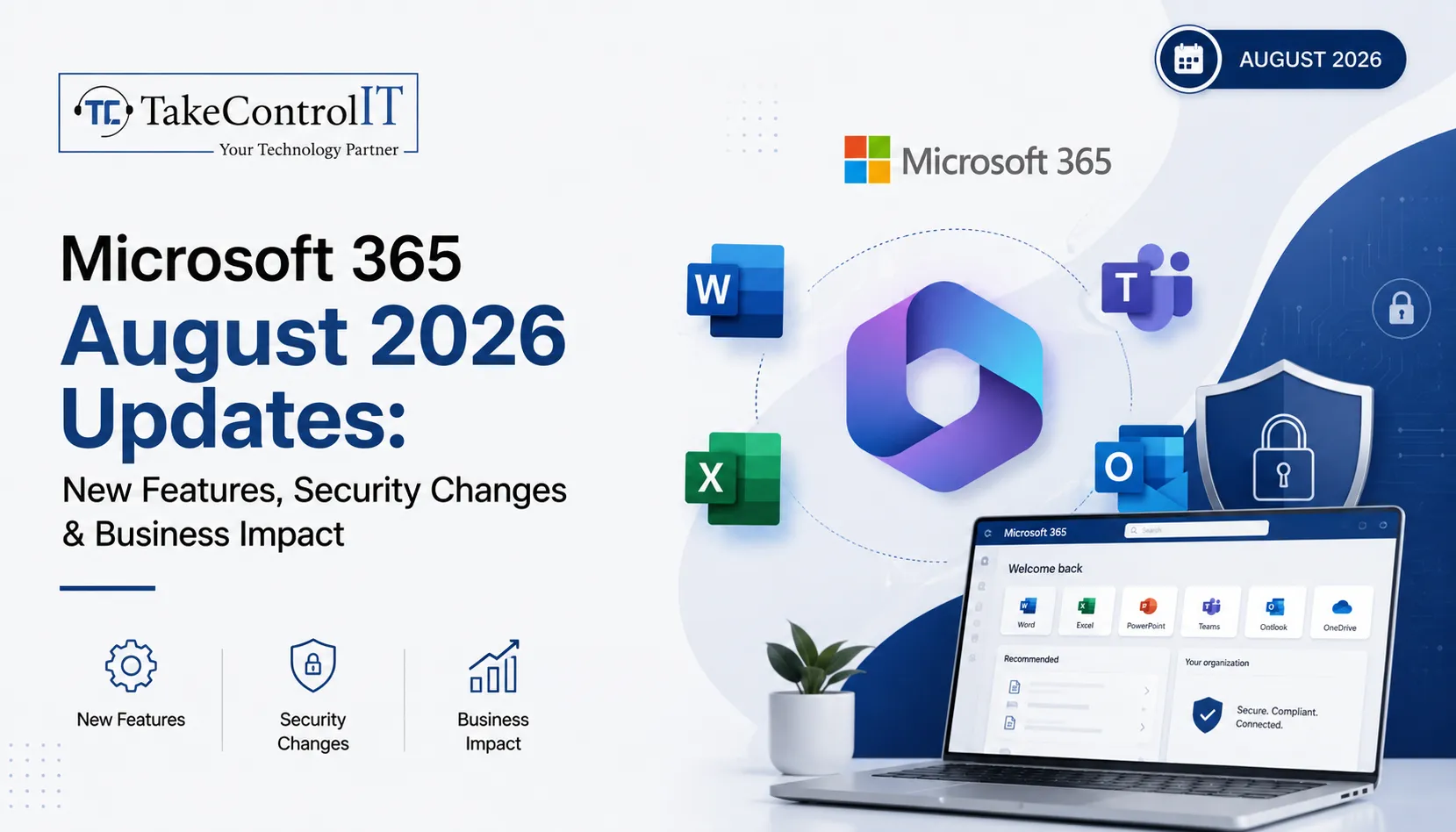
Microsoft 365 August 2026 Updates at a Glance

This round of Microsoft 365 August 2026 updates falls into three categories: identity and security, new productivity features, and licensing changes to what your organization already owns. Microsoft rolled many of these changes out gradually between June and July 2026, with tenant timelines appearing in the Message Center about 30 days before each change goes live.

  • Passkeys become the default sign-in method as SMS and voice MFA retire
  • Cross-tenant message recall arrives in Exchange Online
  • Teams gains stricter external access controls and smarter meeting AI
  • Business, E3, and E5 plans all gain new bundled capabilities
  • Defender for Cloud Apps file policies begin their retirement path

Microsoft 365 New Features Rolling Out This Month

Several Microsoft 365 new features arrived as part of the Microsoft 365 August 2026 updates, focused on productivity and collaboration for hybrid teams across Kansas offices and remote staff alike.

Expanded Copilot Chat Across Every Plan

These Microsoft 365 new features start with Copilot Chat: Business, E3, E5, and Frontline plans all gain enhanced Copilot Chat with admin controls and usage analytics. Business plans also pick up 50 GB of extra mailbox storage, and Basic and Standard add URL time-of-click protection, which scans links in Outlook and Office apps the moment someone clicks rather than only when the message arrives.

Smarter Meetings with Facilitator

Microsoft Facilitator, the AI meeting assistant in Teams, now detects when participants seem to lack context on a topic and surfaces relevant background information in real time, aiming for fewer follow-up emails, though suggestions are visible to everyone in the room.

  • Review Facilitator admin settings to confirm whether it is enabled
  • Consider the impact on sensitive or confidential meetings
  • Update AI governance guidance for staff

Cross-Tenant Message Recall in Exchange Online

Exchange Online users can now attempt to recall messages sent to external recipients, not just internal ones. Recall only succeeds if the receiving tenant has opted in, so legal and compliance teams should understand its limits.

Microsoft 365 Security Updates Kansas Businesses Should Prioritize

Security is where these Microsoft 365 security updates carry the most immediate risk if ignored, especially for regulated industries common across Kansas, including healthcare, finance, and legal services.

Passkeys Replace SMS and Voice MFA

Microsoft is making passkeys, meaning FIDO2 and device-bound credentials, the default sign-in method in Entra while retiring SMS and voice call MFA outright. This is one of the more consequential identity changes in recent memory because it touches every user in a tenant, and once enforced it cannot be reversed. Businesses still relying on text or voice codes need to migrate staff to Microsoft Authenticator, passkeys, or OATH tokens before enforcement.

  • Audit current MFA method distribution across your organization
  • Migrate SMS and voice MFA users to supported methods now
  • Update conditional access policies and helpdesk scripts

Tighter Controls on Teams External Access

Rolling out July through September 2026, admins gain more precise control over federated chats with external organizations. Review existing federation settings so partner collaboration continues while unsolicited external messaging gets closed off.

Defender for Cloud Apps File Policies Are Retiring

File Policies within Microsoft Defender for Cloud Apps are being retired, with Microsoft steering organizations toward Microsoft Purview for the same data loss prevention and compliance monitoring. Retirement lands January 6, 2027, giving teams time to map policies over, though the migration still takes planning and testing.

Microsoft 365 Business Updates and Licensing Changes

Beyond features and security, this round of Microsoft 365 August 2026 updates brings Microsoft 365 business updates that change what many organizations already own, without requiring a new purchase.

What Business, E3, and E5 Plans Now Include

Rollout completes by August 1, 2026, with at least 30 days notice appearing in the Message Center before each tenant receives the change.

  • Business plans: enhanced Copilot Chat plus 50 GB additional mailbox storage
  • Basic and Standard: added URL time-of-click link protection
  • E3 plans: Microsoft Defender for Office 365 Plan 1, Intune Remote Help, Advanced Analytics, and Intune Plan 2
  • E5 plans: everything in E3, plus Security Copilot, Intune Endpoint Privilege Management, Enterprise Application Management, and Cloud PKI
  • Frontline F1 and F3: Copilot Chat enhancements only

These Microsoft 365 business updates apply automatically, with no opt-in required.

Enablement Matters More Than the Announcement

A bundled feature only creates value once someone turns it on. Defender for Office 365 Plan 1 can replace a standalone email security tool once that tool’s contract ends. Security Copilot needs configuration and governance before it becomes genuinely useful.

How These Microsoft 365 August 2026 Updates Affect Kansas Businesses

Many Kansas businesses, including healthcare practices, law firms, and financial firms, operate under compliance rules that make identity and data-governance changes like these especially relevant. Losing SMS-based MFA without a migration plan can lock out staff overnight, and skipping a review of federated chat settings can quietly break partner communication. 

Letting Defender for Cloud Apps policies lapse without a Purview migration can leave data loss prevention with gaps regulators would flag. None of this requires a large IT department, but it does require someone watching the Message Center and turning these Microsoft 365 updates into an action plan.

Staying Ahead of Microsoft 365 Updates with Take Control IT

Keeping up with Microsoft 365 updates on top of daily operations is a lot to ask of any internal team, especially when Microsoft ships dozens of Message Center changes every month and only a handful make headlines. Take Control IT helps Kansas businesses track, prioritize, and act on the changes that matter, from MFA migrations to license enablement.

Our Managed IT services Kansas team also builds resilient data protection around your Microsoft 365 environment, including a dedicated Microsoft 365 Backup Solution that protects Exchange, SharePoint, and OneDrive data independent of Microsoft’s native retention settings, so recall changes, retiring file policies, or accidental deletion never put your business data at risk.

Let Take Control IT Manage Your Microsoft 365 Environment

Do not let another Message Center update catch your team off guard. Take Control IT’s Kansas-based specialists monitor every rollout, apply Microsoft 365 updates correctly the first time, and make sure your backups are solid before anything changes. Schedule a free assessment today and find out exactly what the Microsoft 365 August 2026 updates mean for your business.

Conclusion

This month’s Microsoft 365 August 2026 updates make one thing clear: Microsoft is tightening identity security while pushing more capability into the licenses businesses already hold. That is good news for budgets, but only if someone is actually enabling and governing the new tools. 

Kansas businesses that treat Microsoft 365 updates as a monthly checklist, reviewing MFA methods as part of ongoing Microsoft 365 security updates, external access settings, and license changes, stay ahead of both security risk and wasted spend. Those that ignore the Message Center until something breaks tend to find out the hard way. Working with an experienced partner turns a long list of technical changes into a short list of confident decisions.

Frequently Asked Questions

What are the biggest Microsoft 365 August 2026 updates?

Retirement of SMS and voice MFA for passkeys, new cross-tenant message recall, and features bundled into Business, E3, and E5 plans as part of these Microsoft 365 business updates.

Is Microsoft 365 Copilot included in the August 2026 updates?

No. These updates add enhanced Copilot Chat with admin controls and analytics, not the full Microsoft 365 Copilot, which remains a separate paid add-on.

When do the Microsoft 365 security updates take effect?

Passkey enforcement and MFA retirement began rolling out in July 2026, with most tenant-specific changes completing by August 2026; check your Message Center for exact dates.

Do these Microsoft 365 new features cost extra?

No. The new features, including Defender for Office 365 Plan 1 and expanded Intune tools, are bundled into existing E3 and E5 licenses, not sold separately.

What happens to Defender for Cloud Apps file policies?

File Policies in Defender for Cloud Apps are being retired, with Microsoft Purview recommended as the replacement for data loss prevention and compliance monitoring.

How can Kansas businesses prepare for these Microsoft 365 business updates?

Audit current MFA methods, review Teams external access settings, and map retiring Defender for Cloud Apps policies to Purview, ideally with a Kansas-based IT partner.