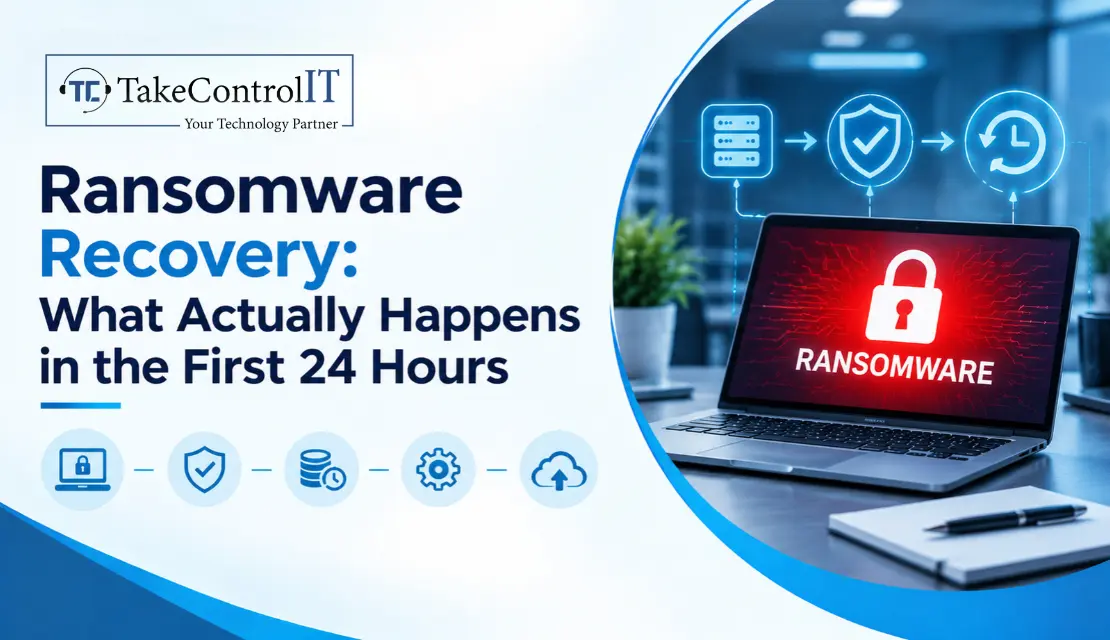

It’s Monday, 7:40 a.m. Files won’t open. A text file on the desktop says your data is locked and tells you how to pay. Phones are ringing with staff who can’t log in, and nobody is quite sure who’s supposed to make the next call.
Most businesses have never practiced this moment, which is why the first few hours feel like chaos. This guide walks through what ransomware recovery actually looks like in the first 24 hours, what you control, and what to do before it happens.
Early decisions shape everything that comes after: what you shut off, who you call and what evidence you keep. The first day isn’t about getting everything back. It’s about containing the damage and understanding what happened.
There’s some good news in the numbers. Coveware reports that only about 20% of victims paid in Q4 2025, down from a 25% to 35% range in 2024 and 2025. More businesses are recovering without paying, which makes preparation more valuable than ever. Good ransomware attack recovery starts long before the attack. And waiting is expensive: our post on what one hour of IT downtime costs shows how quickly the numbers climb.
Speed matters most here. Your ransomware response in the first hour should look like this:
Don’t wipe or reboot machines unless your response plan says to. You may need what’s on them to find out how the attackers got in.
A good ransomware response depends on clear roles, so pull together your decision-makers: an IT lead, an executive, legal counsel and someone to handle communication. Notify your cyber insurance carrier early, since many policies require fast notice and approved vendors.
If you don’t have in-house expertise, this is when outside ransomware recovery services earn their keep. A provider can start forensics, contain the spread and map out restoration while your team keeps the business moving.
Now you need answers:
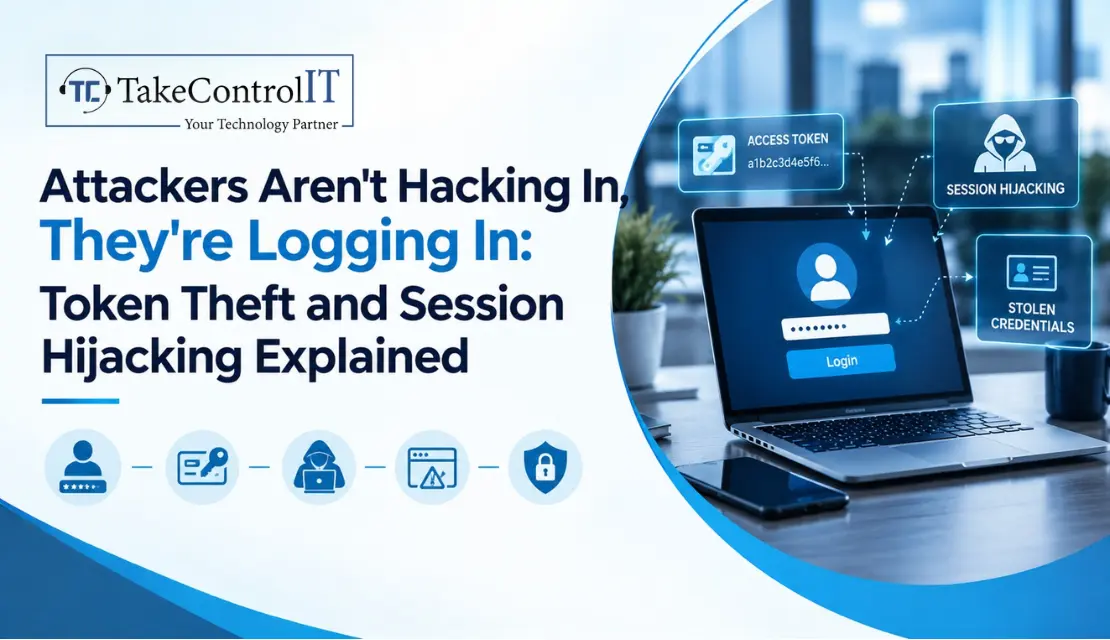
Phishing is still one of the most common ways in, so our guide to defending against phishing attacks is worth a read, and stolen logins can be reused through session hijacking.
Report the incident to the FBI through IC3.gov. In 2025, 3,611 ransomware complaints reached the FBI’s IC3 with $32.3 million in reported losses, and that’s a floor because many incidents never get reported. Verizon’s 2025 DBIR also found ransomware in 44% of data breaches, up from 32% a year earlier. quashbugsvoxbooster
By now you should know roughly what happened. Next:
This is where ransomware data recovery gets real. Restoring from clean backups or using a decryption key can both work, and neither is instant.
Ransomware attack recovery usually takes days to weeks, not hours. Sophos’s 2026 survey put average recovery costs, excluding any ransom, at $1.7 million. Treat that as a benchmark across companies of all sizes, not a prediction for yours. stingrai
Expect to rebuild systems cleanly, close the entry point, test everything, monitor closely and review what went wrong.
Most of the pain can be reduced with a few basics:
Our overview of core cybersecurity services every business needs shows what a solid baseline looks like.
Healthcare practices, manufacturers, logistics firms, professional offices and local government across Olathe, Johnson County and the Kansas City area all hold data worth locking. When every hour counts, local and responsive help makes a real difference.
A provider offering managed IT services Olathe Kansas businesses already use can monitor your systems, keep backups healthy and step in fast when something goes wrong. Having a team that already knows your environment is the difference between a controlled recovery and a scramble. When you compare providers, check the managed IT contract red flags before you sign.
Ransomware recovery is mostly decided before the attack, by how well your backups, plans and people are prepared. The first 24 hours then come down to calm, fast, well-ordered decisions.
You don’t need a huge budget to be ready. You need tested backups, a written plan and someone to call. Start with those three, and the worst day gets a lot more manageable.
Is Your Business Ready for Ransomware?
TakeControl IT offers a free ransomware readiness and backup review for local businesses. We’ll check your backups, your response plan and your security basics so you know where you stand before an attack tests it. If you ever need ransomware recovery services, you’ll already have a team that knows your setup.
Call us or contact TakeControl IT today to schedule your review.
1. What should a business do after a ransomware attack?
Isolate affected systems from the network, call your IT provider or response team, notify your cyber insurer, preserve evidence and report the incident to the FBI at IC3.gov. Hold off on contacting the attacker or paying anything until your team, counsel and insurer have weighed in.
2. What happens after a ransomware attack?
The first day is about containment, scoping and evidence. After that comes restoring from clean backups or other recovery methods, rebuilding affected systems, closing the entry point, and handling legal and customer notifications.
3. How long does ransomware recovery take?
It varies by size, backup quality and how far the attack spread. Plan for days to weeks, not hours. Even with a decryption key, restoring everything can take considerable time.
4. Should you shut down computers during a ransomware attack?
Disconnect them from the network first. Shutting a machine down is a last resort when you can’t isolate it, because powering off can erase useful evidence. Follow your response plan or your provider’s direction.
5. How to recover business data after ransomware?
Restore from clean, tested backups that weren’t touched by the attack, after the threat is removed and the entry point is closed. If backups are damaged, a ransomware data recovery specialist can assess other options, though results are never guaranteed.
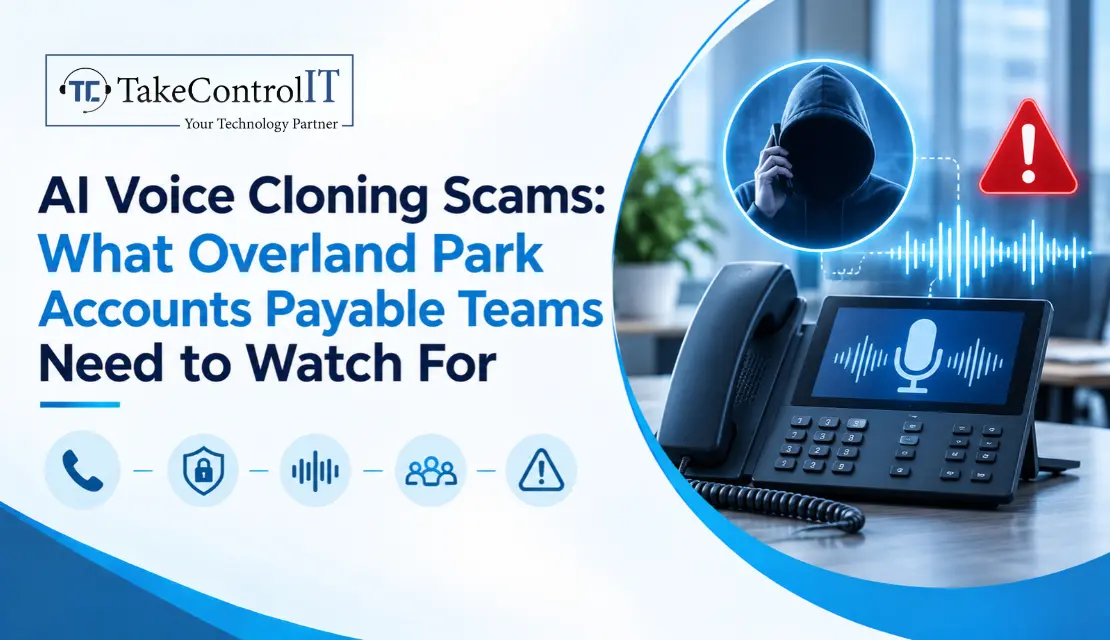
An accounts payable clerk in Overland Park picks up the phone. It’s the CFO, sounding a little rushed, asking to push a vendor payment through...




 Latest Blogs

What exactly is Fixed-Cost IT Support? Fixed-cost IT support is a type of IT assistance in which companies pay a...
Get Started

Computers and Networks That Are Too Slow Slow computers and networks are one of the most prevalent recurrent IT issues...
Get Started
Signs of an Issue: Slow Performance: Noticeably sluggish computer or network operations may indicate malicious activity taxing your system’s resources...
Get Started